The Best LinkedIn Automation Software Depends on Six Answers.
Every comparison article picks a winner, usually the one paying for the placement. The honest answer is that the right tool depends on how many accounts you run, whether you are an agency, and how you would rather pay. These are the questions that actually decide it.
One: how many sender accounts will you run?
This is the question that decides everything else, because LinkedIn's roughly 100 invitations per account per week makes account count the only real volume lever. One account is a different product decision from ten. Per-seat pricing is tolerable at one account and punishing at ten.
Two: does the price scale with the thing that produces results?
If adding a sender adds a subscription, then growth and cost are the same line on a chart. Look specifically for what happens at your target account count in month twelve, not month one.
Three: does it enforce limits, or just offer settings?
There is a large difference between a tool that lets you set a daily cap and one that enforces a cap, a total daily action ceiling, randomised gaps and working hours. The first puts account safety on your discipline; the second puts it in software.
Four: where do replies land?
With several accounts sending, replies arrive in several inboxes. A shared inbox that shows every conversation from every sender, with interested leads flagged, is the difference between a programme and a mess. Ask whether it is one inbox or one per account.
Five: how does it build the audience?
Check the sources — Sales Navigator, standard search, groups, events, post engagement, CSV — and check the daily import cap. Also check whether it deduplicates across every campaign you have run, not just within the list you are importing.
Six: cloud or browser extension?
Extension-based tools run in your browser, so they only send while your machine is on. Cloud tools run without you. For a team or an agency this is usually decisive; for a single operator it may not be.
Read it, try it, or price it.
How many LinkedIn accounts can you safely run?
The real constraint on multi-account outreach, and what keeps accounts alive.
Read itRun it on one account first
One LinkedIn sender, the whole product, one payment. It does not renew and you will not be charged again.
Start for $9See what it costs at 1, 3, 5 and 10 senders
Side-by-side monthly cost against the tools you are probably also looking at, with year-one totals.
Open the comparisonStraight Answers.
What is the best LinkedIn automation software for agencies?
For agencies the deciding factor is almost always pricing shape rather than features, because agencies add sender accounts per client. Software with a one-time licence and a low per-sender cost stays flat as clients are added; per-seat subscriptions compound.
Is free LinkedIn automation software worth using?
Free tools are usually browser extensions that send only while your computer is on, and rarely enforce limits. They are reasonable for testing whether outreach works at all, and a poor foundation for a programme you depend on.
Which LinkedIn automation software is safest?
Safety comes from enforced pacing rather than branding. The safest tool is the one that caps daily actions per account, spreads sending across working hours with irregular gaps, ramps new accounts up slowly, and stops automatically when LinkedIn signals a problem.
AI built in
AI does the slow parts. You take the meetings.
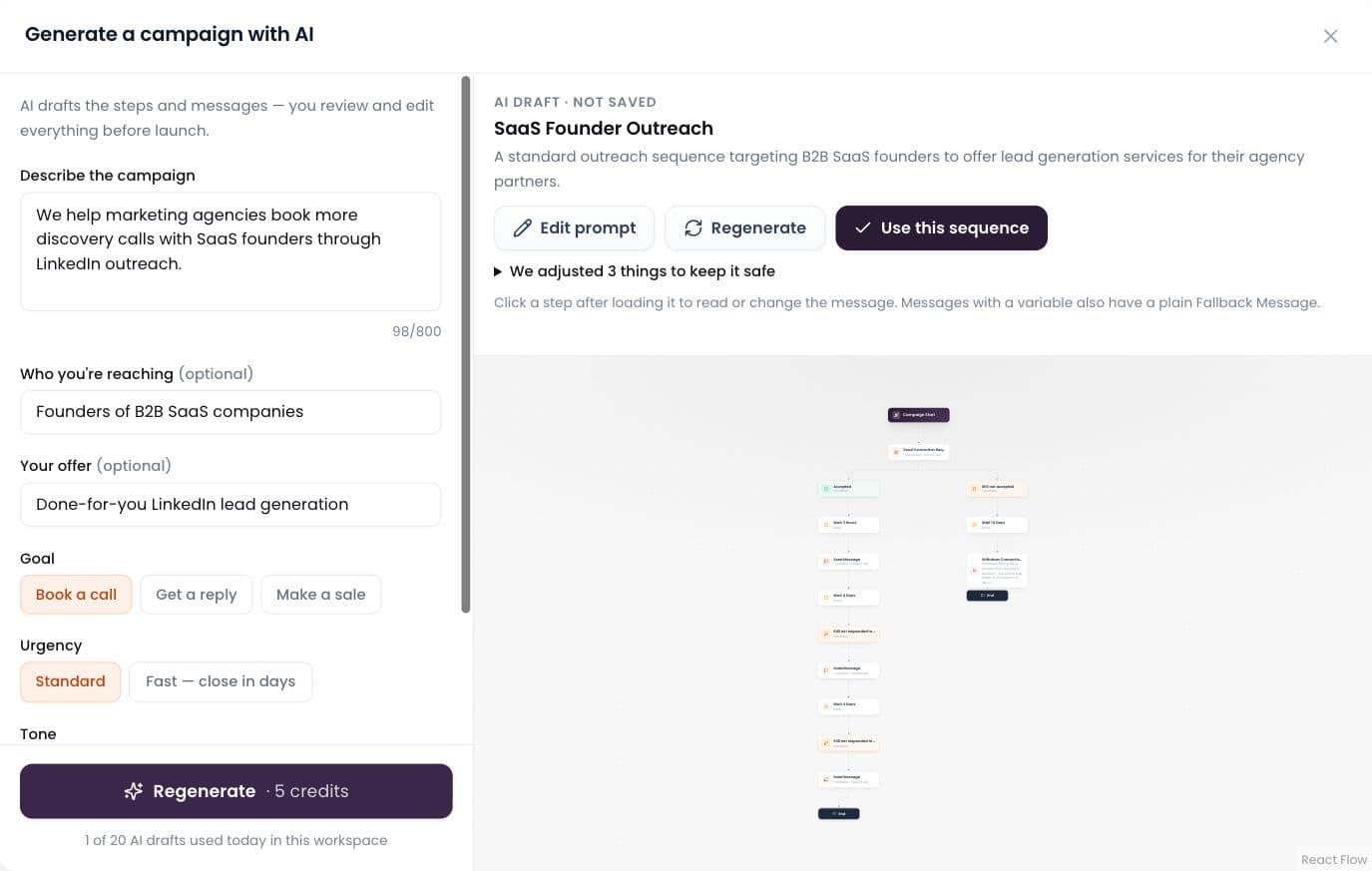
AI builds the campaign
Describe it in plain words; AI drafts the whole sequence.
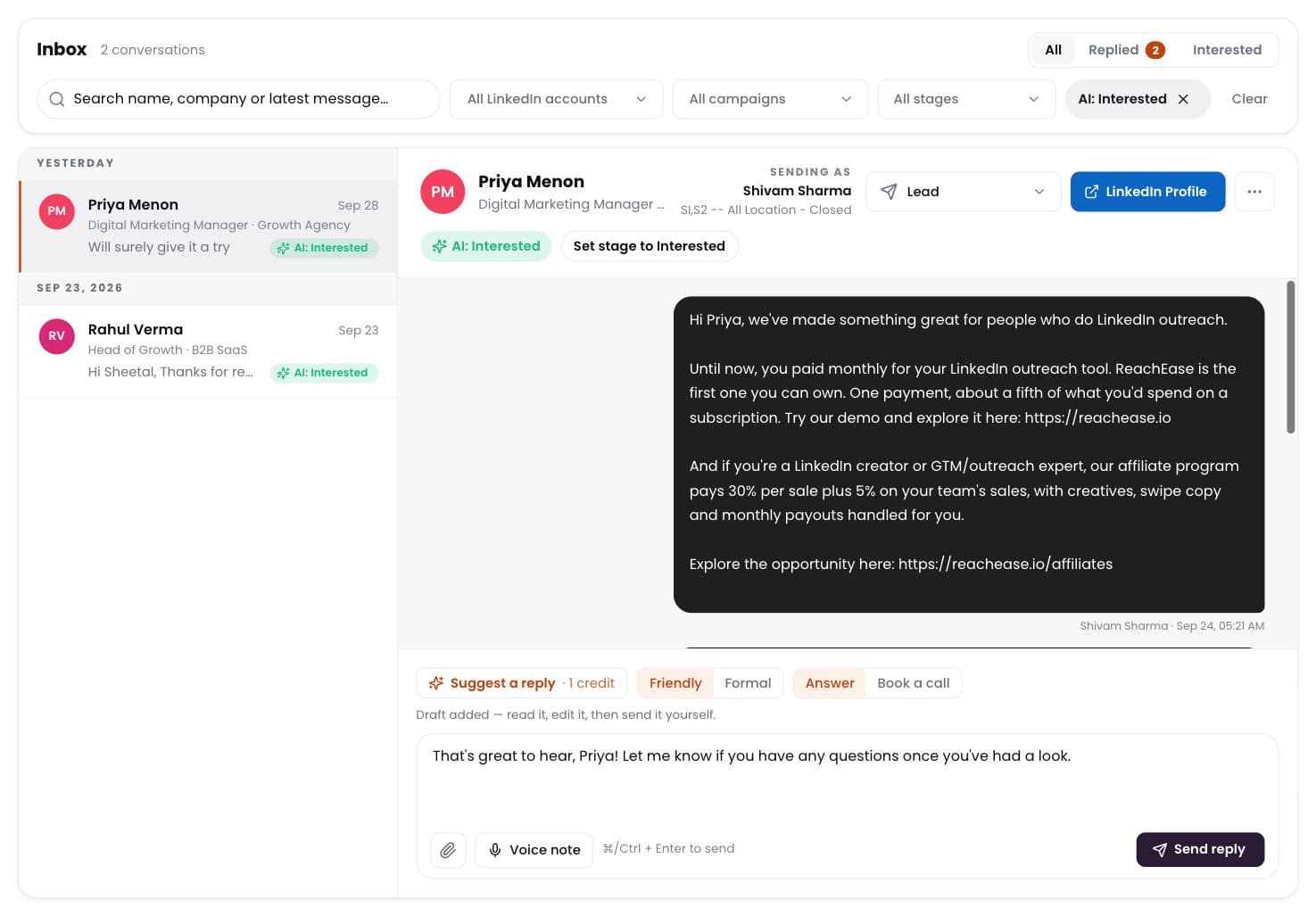
AI labels every reply
Interested, meeting, question, not interested — sorted for you.
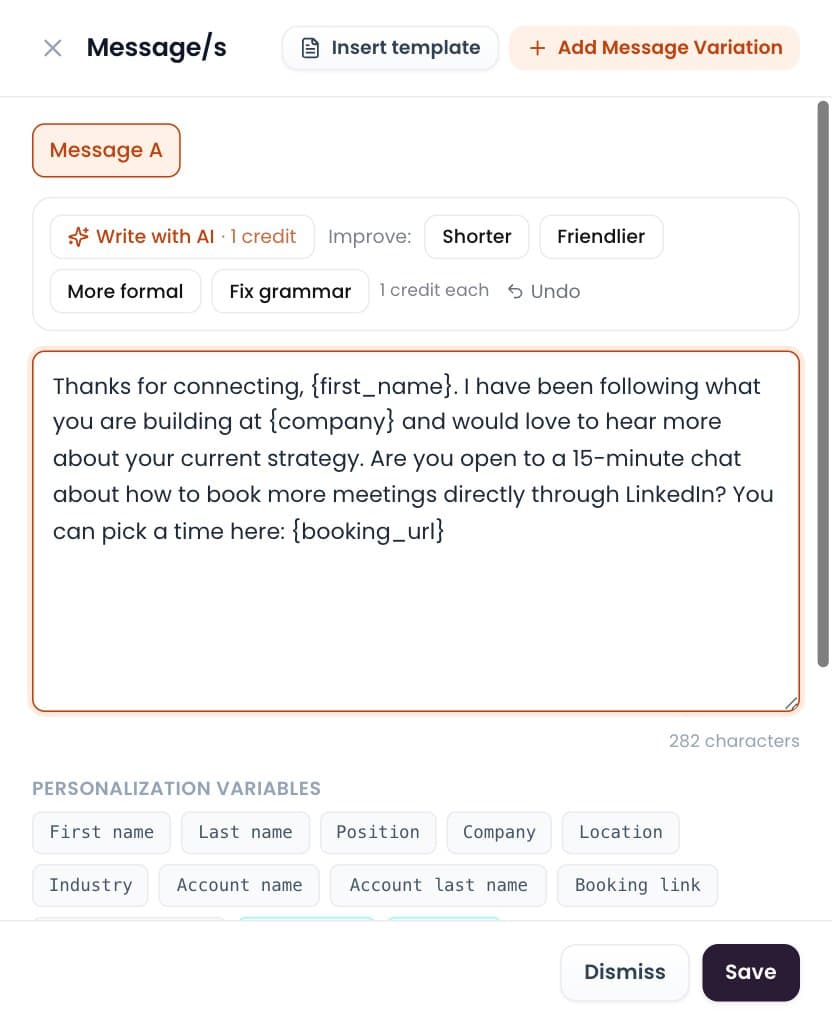
Write with AI
Draft or polish any message in one click. You send it.
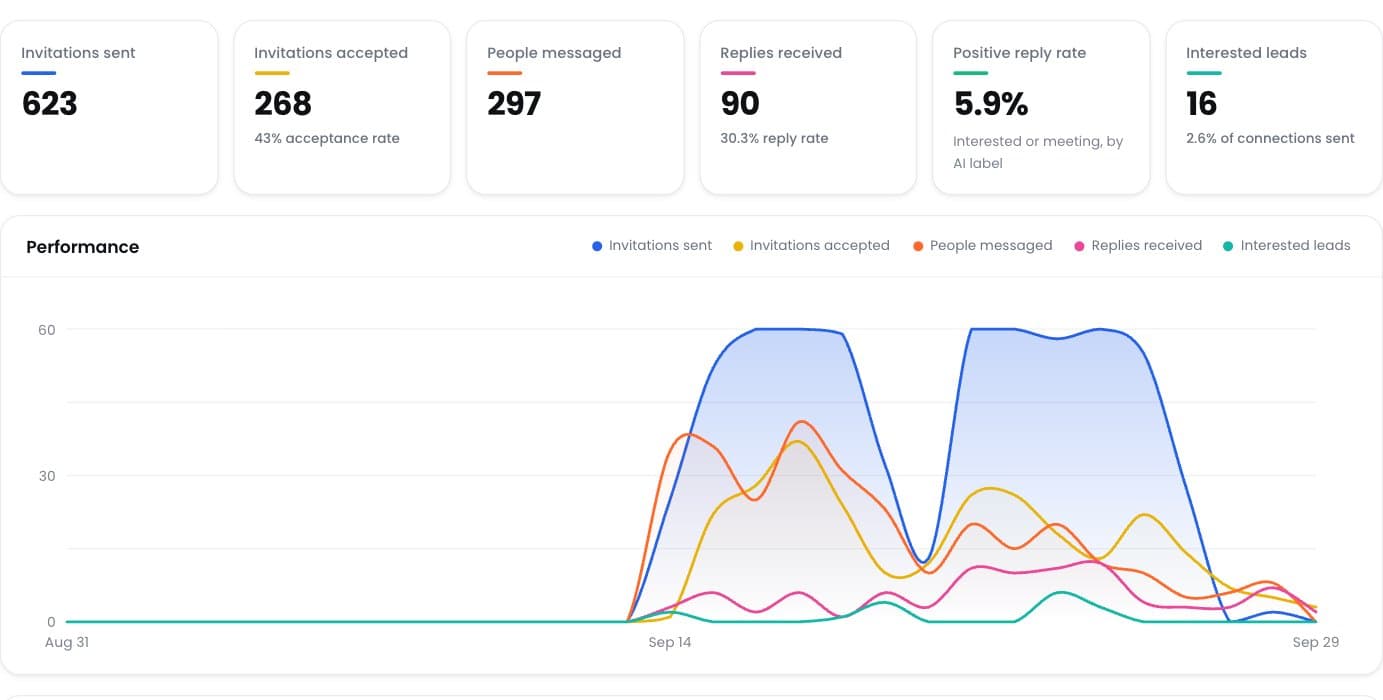
Positive reply rate
See which campaigns really start conversations.
Ready to Stop Adding Another Monthly Software Bill?
Run your LinkedIn outreach through ReachEase: AI builds your campaigns and sorts every reply, with lifetime software access and a LinkedIn sender model designed to scale with your operation.