ReachEase is live. Lifetime plans are open — pay once, no monthly software bill.See plans
ReachEaseEasy to Reach
Lead Imports

Six Ways to Bring Your Next Audience Into ReachEase.

Prospecting teams already have valuable audiences spread across LinkedIn and spreadsheets. ReachEase helps bring those audiences into one outreach workflow.

AI builds your campaignsPay once. Scale forever*Built for LinkedIn outreach

*One-time software payment plus a minimal per-LinkedIn-sender infrastructure cost.

mx-auto text-center items-center
Supported Sources

Six Supported Sources, One Lead Workflow.

Each source brings prospects into the same place — organized lead lists you can point a campaign at.

LinkedIn Search

Import prospects from LinkedIn search workflows.

What it is
Prospects brought in from LinkedIn search workflows.
Why teams use it
A fast way to assemble a targeted list from the searches your team already runs.
How it fits a campaign
Imported prospects become a lead list you can point a campaign at.
Sales Navigator

Bring Sales Navigator prospect audiences into ReachEase.

What it is
Prospect audiences brought in from Sales Navigator.
Why teams use it
Reuse the segments you have already built inside Sales Navigator.
How it fits a campaign
The audience lands in ReachEase as an organized list, ready to sequence.

Post Engagement

Build audiences from people engaging with LinkedIn posts.

What it is
Audiences built from people engaging with LinkedIn posts.
Why teams use it
Reactions and comments signal interest in a topic worth following up on.
How it fits a campaign
Turn that engagement into a lead list and run a structured sequence.

Event Attendees

Use LinkedIn event audiences where supported.

What it is
LinkedIn event audiences, used where supported.
Why teams use it
Attendees chose to show up for a topic, giving your outreach a shared context.
How it fits a campaign
Bring the audience into ReachEase and organize it into a campaign.

Group Audiences

Use LinkedIn group audiences where supported.

What it is
LinkedIn group audiences, used where supported.
Why teams use it
Groups gather people around a shared interest or industry.
How it fits a campaign
Assemble a relevant list in ReachEase and sequence it like any campaign.

CSV / XLSX

Upload your existing prospect database.

What it is
Your existing prospect database, uploaded as a CSV or XLSX file.
Why teams use it
Bring lists you already own into the same workspace as everything else.
How it fits a campaign
Uploaded leads become a list you can organize and run campaigns against.

Six supported sources — no more, no less.

After the Import

Every Source Lands in the Same Lead Workflow.

  • Prospects become organized lead lists in one workspace.
  • Point a campaign at a list and build the sequence.
  • Distribute outreach across your connected LinkedIn senders.
  • Replies come back to a single Unibox.
  1. 1Import source
  2. 2Lead list
  3. 3Campaign
  4. 4Sequence
  5. 5Unibox

AI built in

AI does the slow parts. You take the meetings.

See every AI feature →
  • ReachEase — AI builds the campaign

    AI builds the campaign

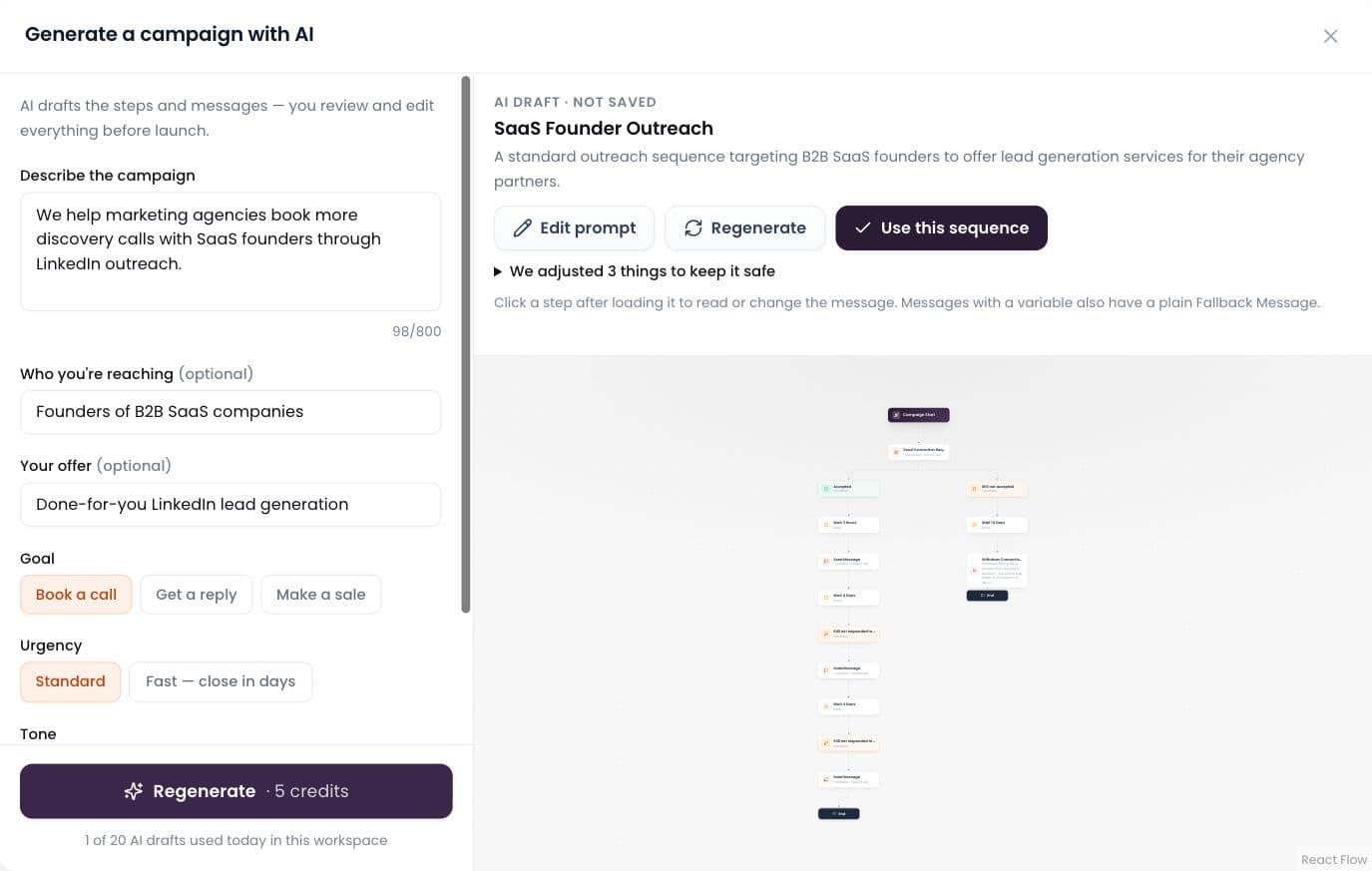
    Describe it in plain words; AI drafts the whole sequence.

  • ReachEase — AI labels every reply

    AI labels every reply

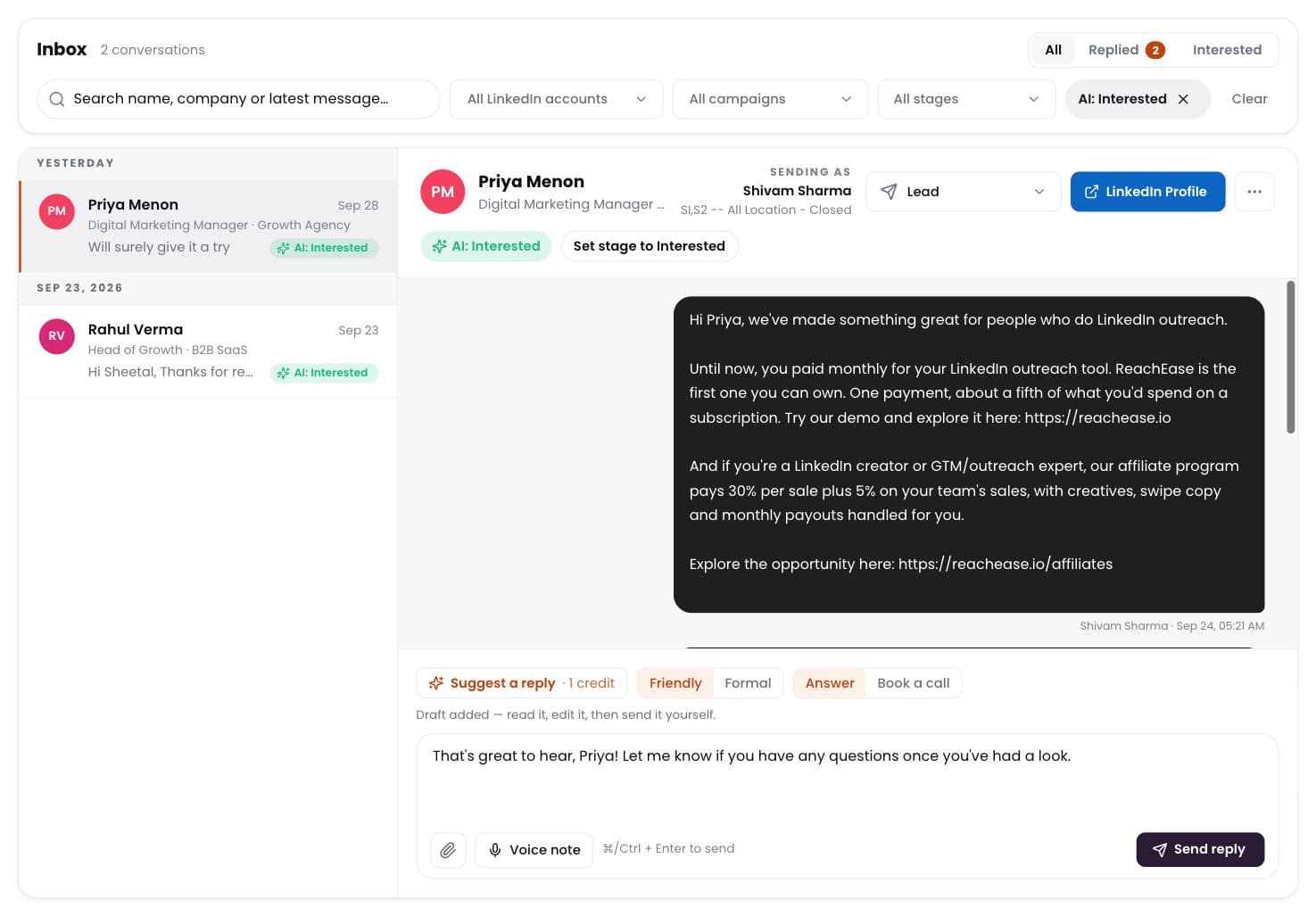
    Interested, meeting, question, not interested — sorted for you.

  • ReachEase — Write with AI

    Write with AI

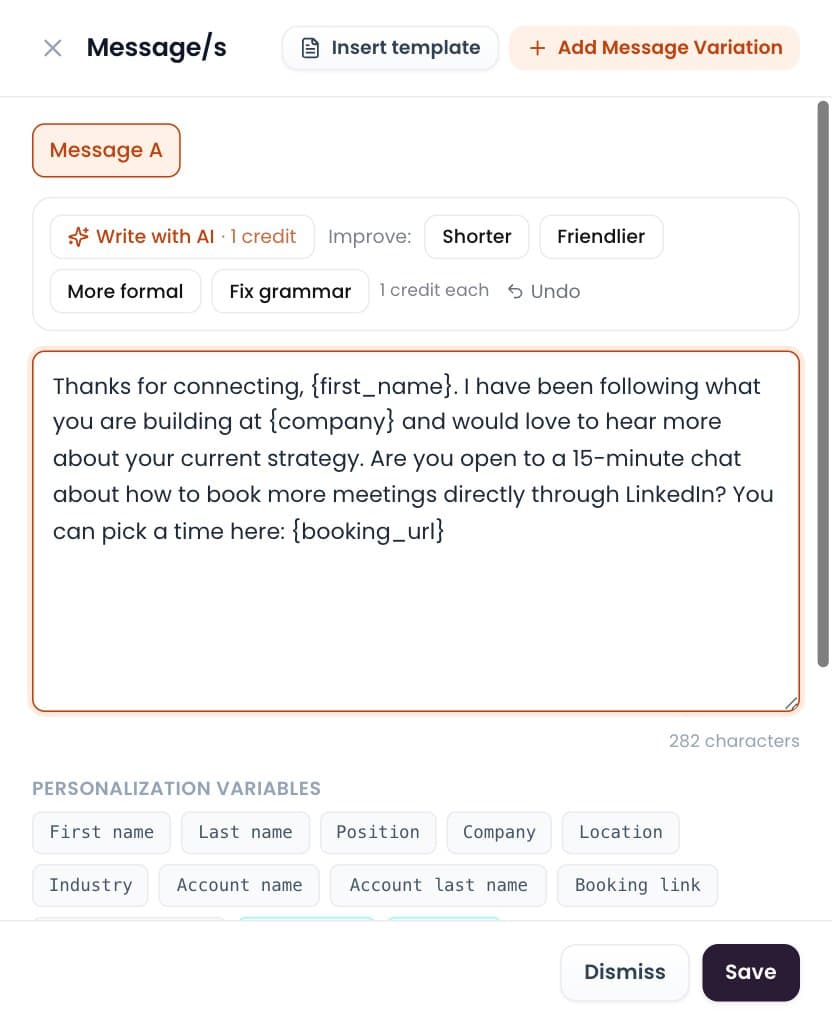
    Draft or polish any message in one click. You send it.

  • ReachEase — Positive reply rate

    Positive reply rate

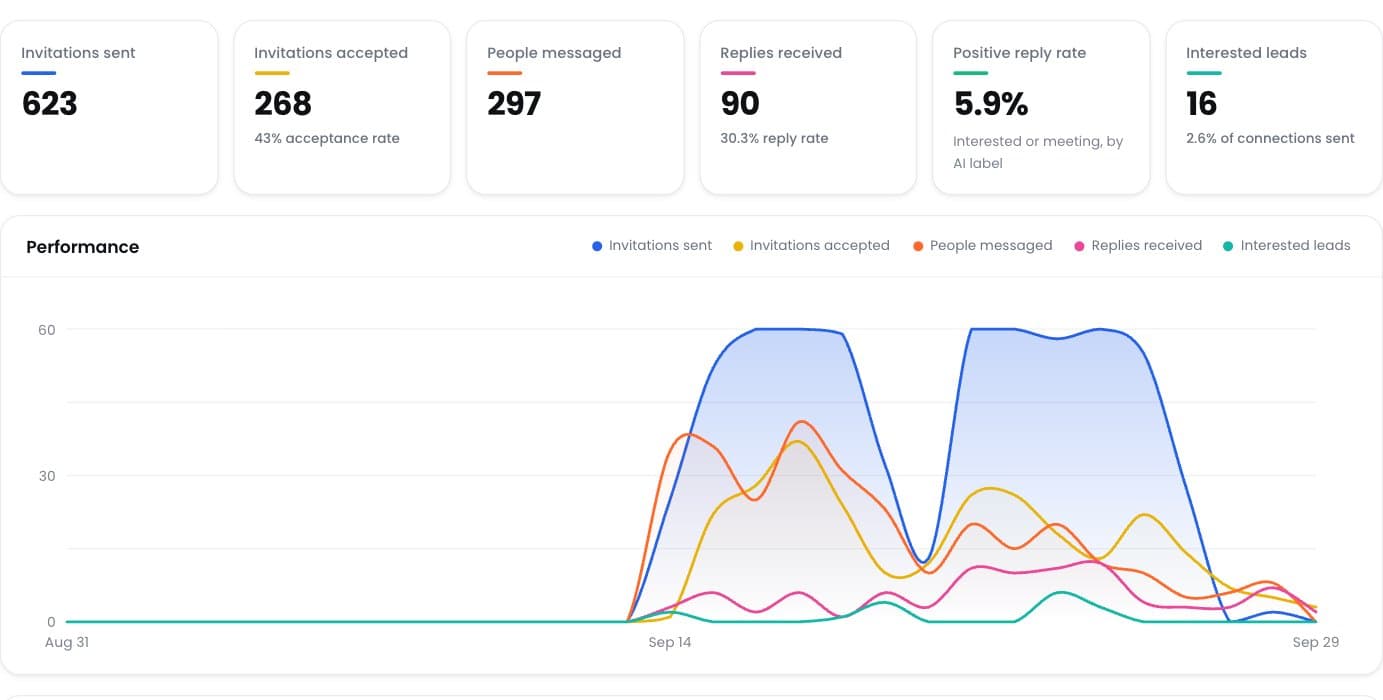
    See which campaigns really start conversations.

Bring Your Audience Into ReachEase

Pull prospects from LinkedIn Search, Sales Navigator, post engagement, events, groups or your own files — then run them through one outreach workflow.