A LinkedIn Outreach Tool You Buy Once.
Most LinkedIn outreach tools are priced per sender per month, so the cost of the thing rises with the only lever that increases results. ReachEase is the same category of software with a different commercial model: one payment for the licence, and each connected LinkedIn sender billed at its infrastructure cost.
What a LinkedIn outreach tool needs to do
A prospecting tool earns its place when it removes the manual work between finding a person and having a conversation with them. That means audience building, routing, paced sending, scheduled follow-up and reply management — and it means doing all of it across several accounts at once, because one account cannot produce enough volume.
Open profiles and closed profiles need different first touches
Not everyone requires a connection request. LinkedIn open profiles can be messaged directly, which skips the invitation entirely and does not consume the weekly allowance. A tool that treats every prospect the same wastes invitations on people who could have been messaged immediately. ReachEase labels each person during enrichment and routes them down the right lane automatically.
The cost question, with real numbers
Take five sender accounts, the common shape of a small outbound team. On per-seat pricing that is five recurring subscriptions for as long as you run outreach, and a sixth the moment you add a teammate. On ReachEase it is one software payment plus five sender infrastructure fees from $9 each per month. The gap widens every month the programme runs, and it widens fastest for agencies adding accounts per client.
What you should be able to see at any moment
An outreach tool is only trustworthy if its numbers are honest. Ours reports what each account has actually sent today against its limit, which people are waiting on enrichment, which are queued for an invitation and which for a direct message, and why anything is paused — rather than a single vanity number.
Read it, try it, or price it.
Choosing a LinkedIn outreach tool: six questions
The six answers that actually separate the category. Features do not.
Read itRun it on one account first
One LinkedIn sender, the whole product, one payment. It does not renew and you will not be charged again.
Start for $9See what it costs at 1, 3, 5 and 10 senders
Side-by-side monthly cost against the tools you are probably also looking at, with year-one totals.
Open the comparisonStraight Answers.
What is the difference between a LinkedIn outreach tool and a CRM?
An outreach tool starts conversations; a CRM records them once they are commercial. Outreach tools own audience building, sending and replies, and hand over qualified conversations to the CRM.
Can a LinkedIn outreach tool message people I am not connected to?
Only in two cases: the person has an open profile, which allows a direct message without connecting, or you spend an InMail credit. Everyone else needs a connection request first.
Do I need one tool per LinkedIn account?
No, and you should not. Running separate tools per account means no shared limits, no deduplication between accounts, and the same prospect contacted twice. One tool covering every sender solves all three.
AI built in
AI does the slow parts. You take the meetings.
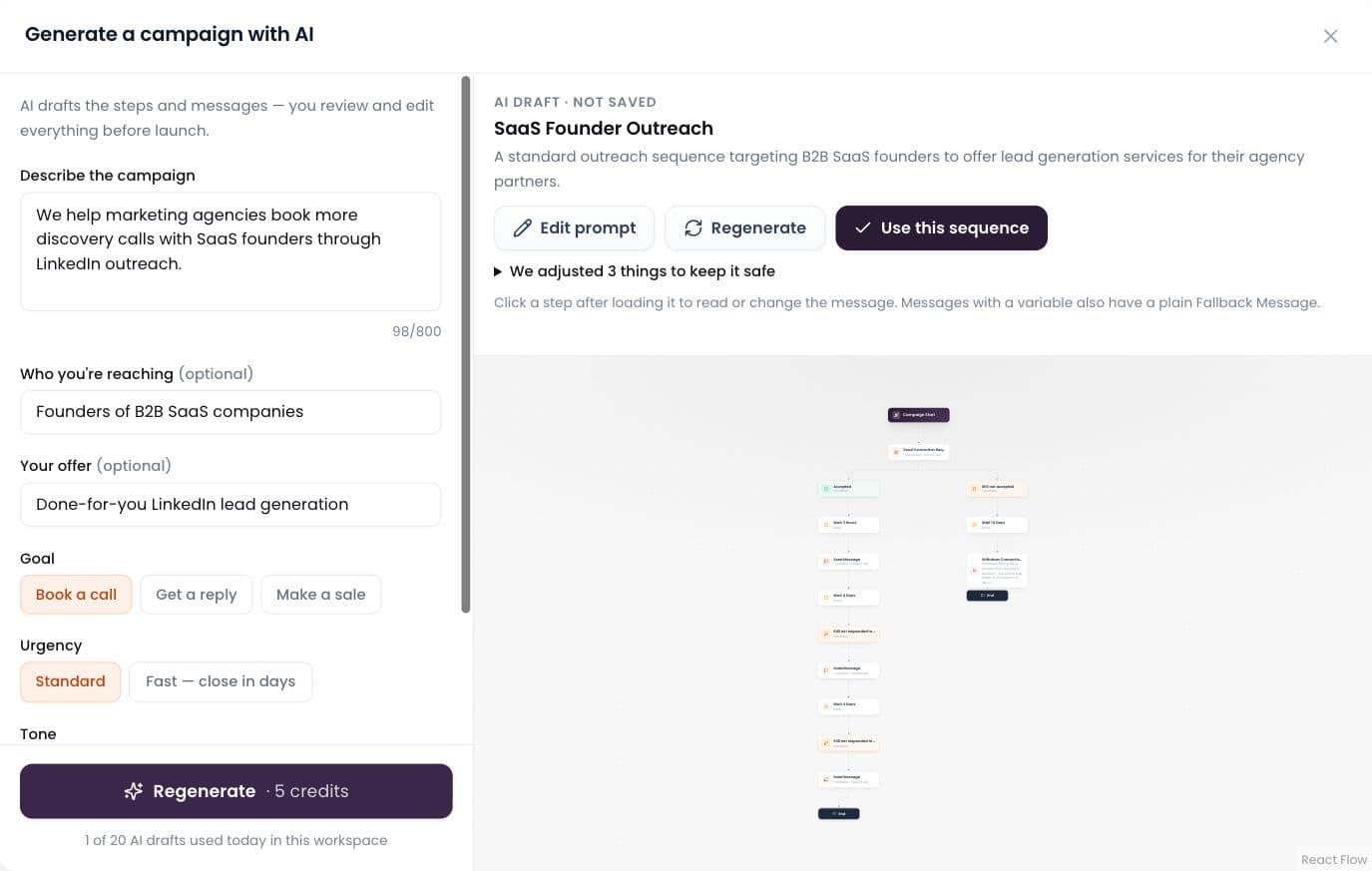
AI builds the campaign
Describe it in plain words; AI drafts the whole sequence.
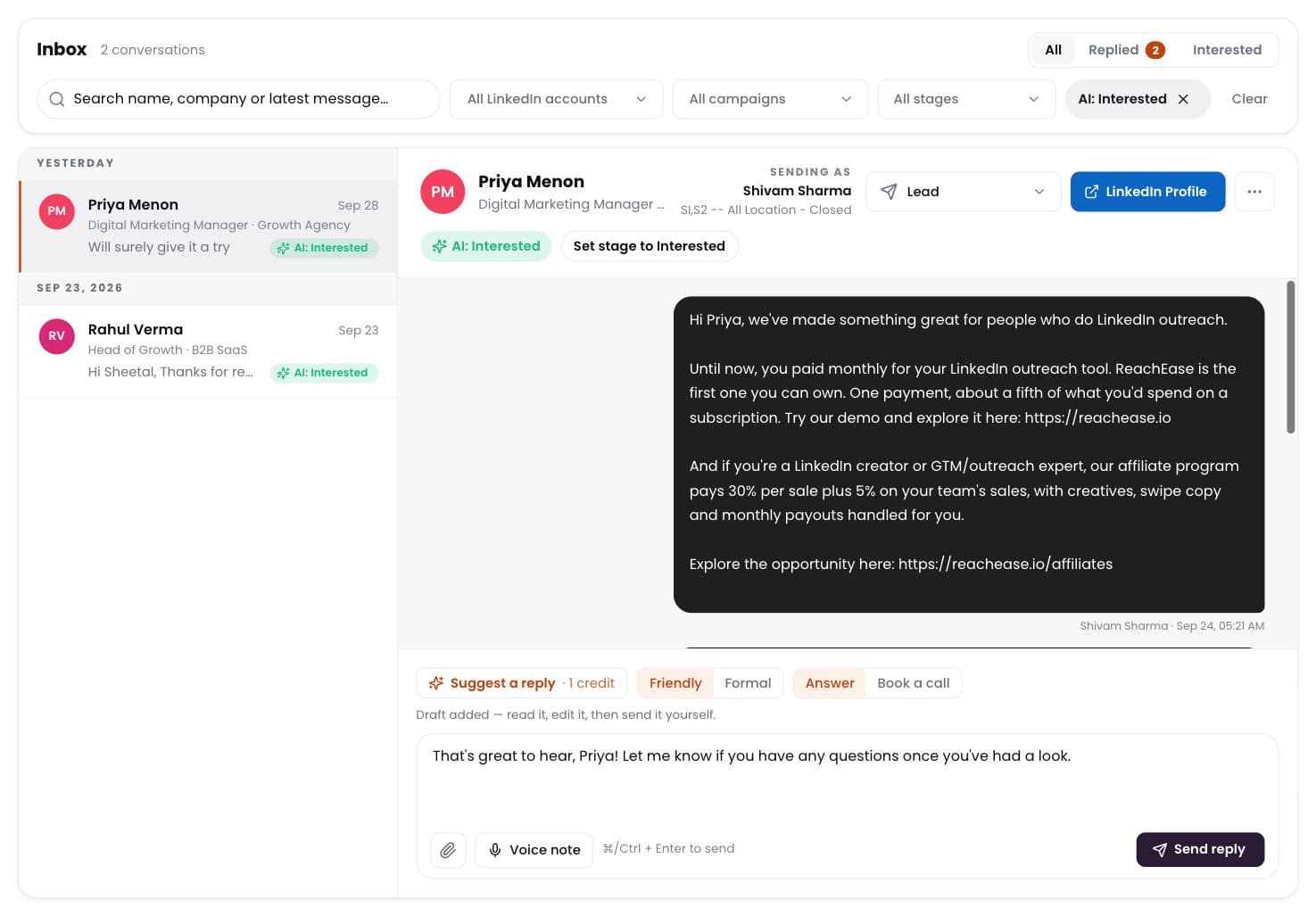
AI labels every reply
Interested, meeting, question, not interested — sorted for you.
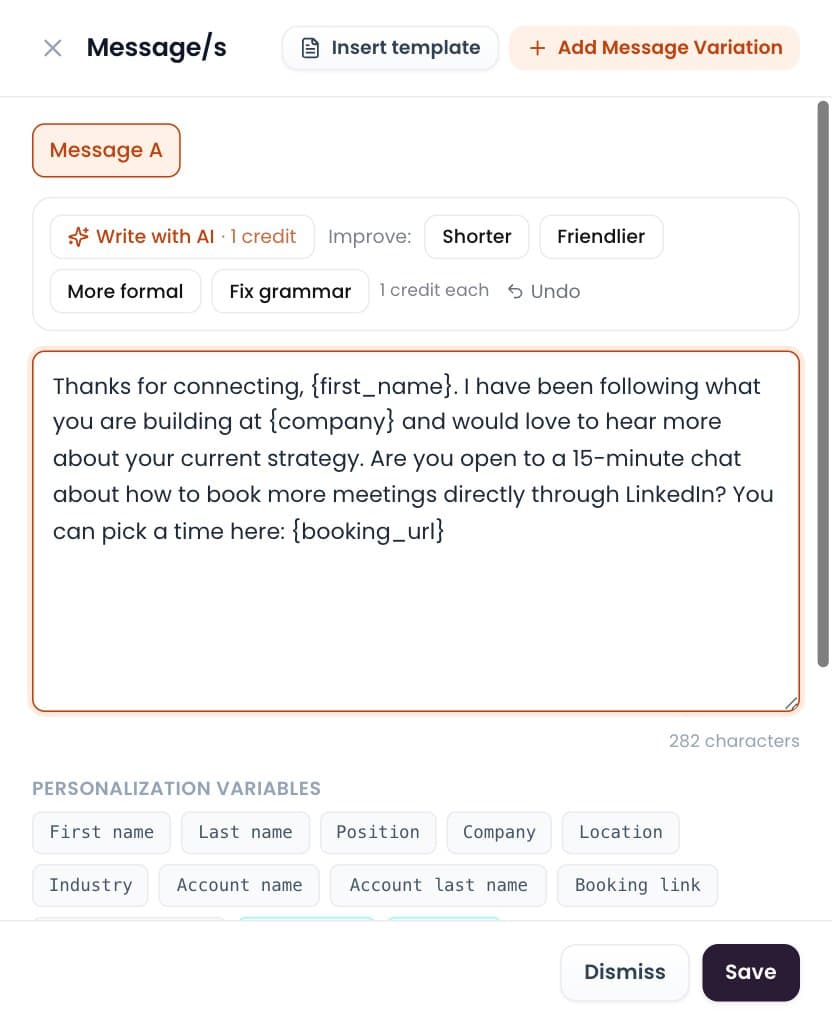
Write with AI
Draft or polish any message in one click. You send it.
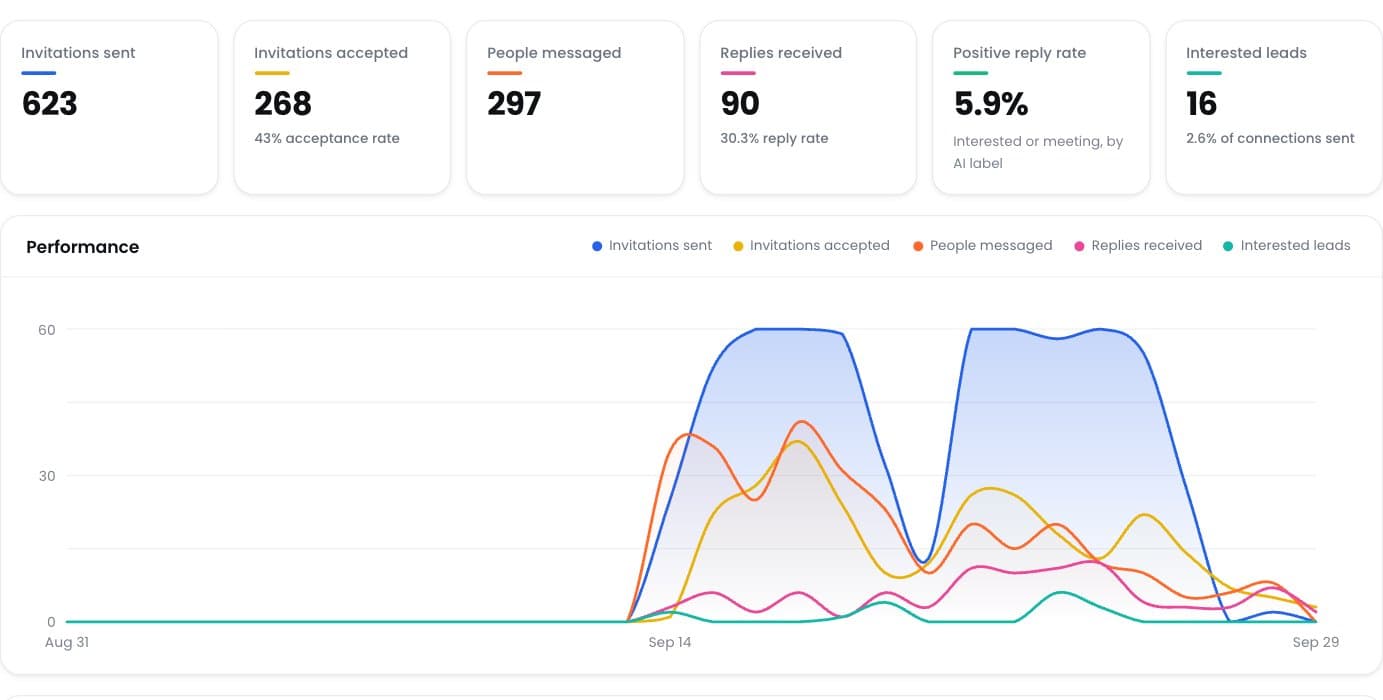
Positive reply rate
See which campaigns really start conversations.
Ready to Stop Adding Another Monthly Software Bill?
Run your LinkedIn outreach through ReachEase: AI builds your campaigns and sorts every reply, with lifetime software access and a LinkedIn sender model designed to scale with your operation.