LinkedIn Automation Tools: What They Do and What They Cost.
LinkedIn automation tools send connection requests, follow-ups and messages on your behalf across one or more LinkedIn accounts. The differences that matter are not features — most tools do the same things — but how many accounts you can run, how the tool handles LinkedIn's limits, and whether you rent it forever or buy it once.
What a LinkedIn automation tool actually does
Every LinkedIn automation tool performs the same four jobs: it builds a list of people, sends connection requests, follows up with messages on a schedule, and collects the replies. What separates one from another is how carefully it does the second and third, and how it charges you for the first and fourth.
- Build an audience — from Sales Navigator, a LinkedIn search, a group, an event, or people who engaged with a post
- Send connection requests within LinkedIn's weekly allowance, paced so activity looks human
- Follow up on a sequence — with waits, and branches for accepted versus ignored
- Collect replies from every sender account into one place so nothing is missed
LinkedIn's limits are the real constraint, not the tool
LinkedIn allows roughly 100 connection invitations per account per week on every plan, including Premium and Sales Navigator. That is about 15 to 20 a day. No automation tool can raise that ceiling — anything promising more is either counting profile views as outreach or risking the account. The only honest way to send more is to run more sender accounts, which is precisely where per-seat pricing starts to hurt.
Why per-seat pricing punishes the thing that works
Because volume comes from adding accounts, the tools that charge per sender per month make your cost scale with the only lever you have. Five senders on a typical subscription is a recurring bill that never ends and grows every time you add a client or a teammate. ReachEase separates the two: the software is a one-time purchase, and each connected LinkedIn sender carries a small infrastructure cost billed at what it costs to run.
What to check before choosing a LinkedIn automation tool
Feature lists look identical across the category. These are the questions that actually change the outcome.
- Does the price rise every time you add a sender account?
- Does it enforce per-account daily limits and a warm-up ramp, or leave pacing to you?
- Are search-page reads counted separately from invitations and messages?
- Do replies from every account land in one inbox, or one inbox per account?
- Is the audience import capped per day, and at what number?
Read it, try it, or price it.
LinkedIn connection request limits in 2026
The ~100-per-week rule, what it forces on your programme, and the numbers behind it.
Read itRun it on one account first
One LinkedIn sender, the whole product, one payment. It does not renew and you will not be charged again.
Start for $9See what it costs at 1, 3, 5 and 10 senders
Side-by-side monthly cost against the tools you are probably also looking at, with year-one totals.
Open the comparisonStraight Answers.
Are LinkedIn automation tools allowed?
LinkedIn's user agreement discourages automated activity, and accounts that exceed normal usage patterns get restricted. In practice the risk is a function of rate, not of automation itself. Tools that enforce daily caps, randomised gaps and working hours keep activity inside normal patterns; tools that let you send in bursts do not.
How many LinkedIn automation tools can I run on one account?
One. Running two tools against the same LinkedIn account doubles the activity that account produces while each tool believes it is within limits, which is one of the fastest ways to get restricted.
What is the best LinkedIn automation tool for outreach at scale?
Scale on LinkedIn means more sender accounts, because the per-account limit is fixed. The right tool is therefore the one whose cost does not rise sharply per account and which balances sending across accounts automatically.
AI built in
AI does the slow parts. You take the meetings.
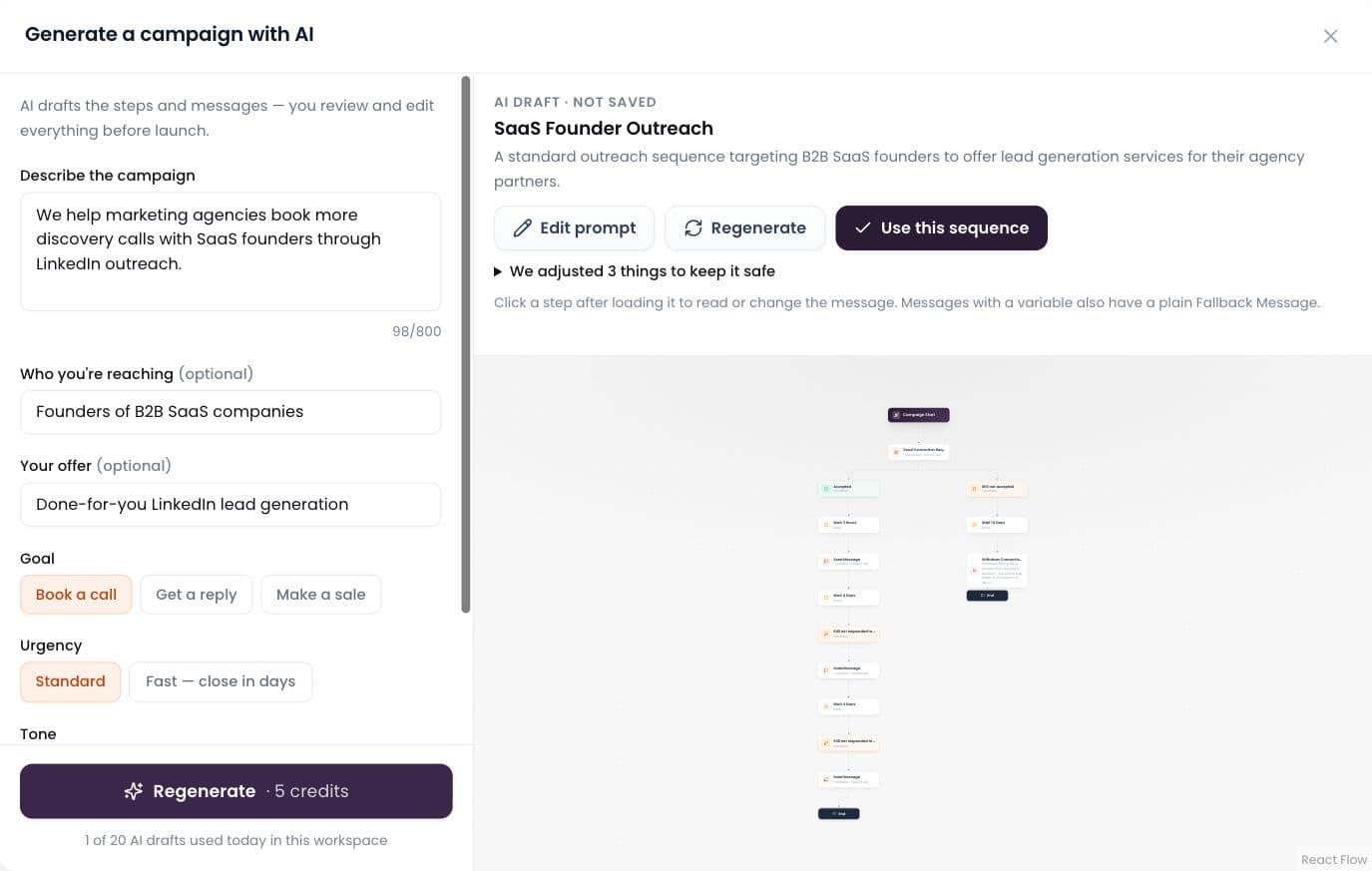
AI builds the campaign
Describe it in plain words; AI drafts the whole sequence.
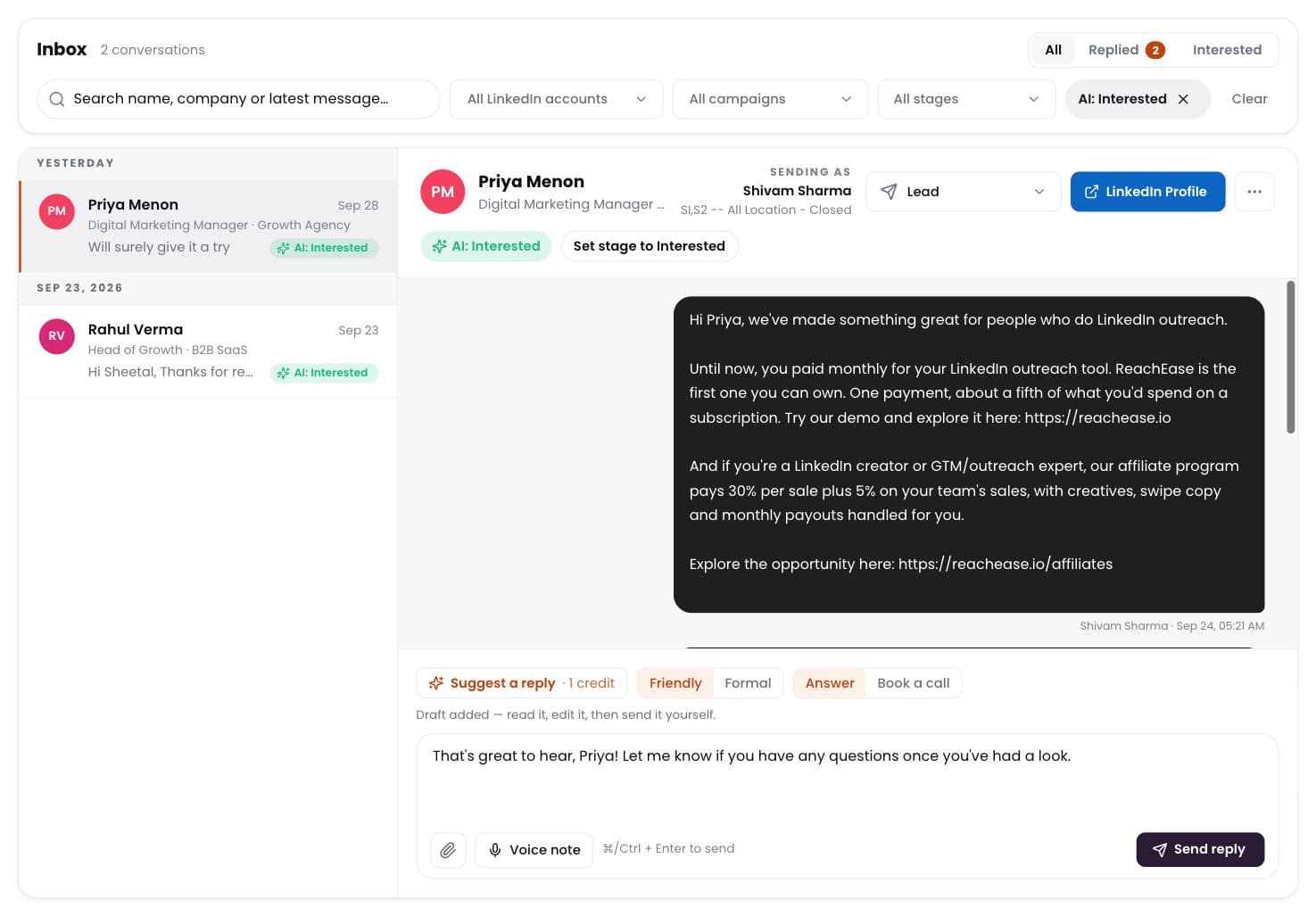
AI labels every reply
Interested, meeting, question, not interested — sorted for you.
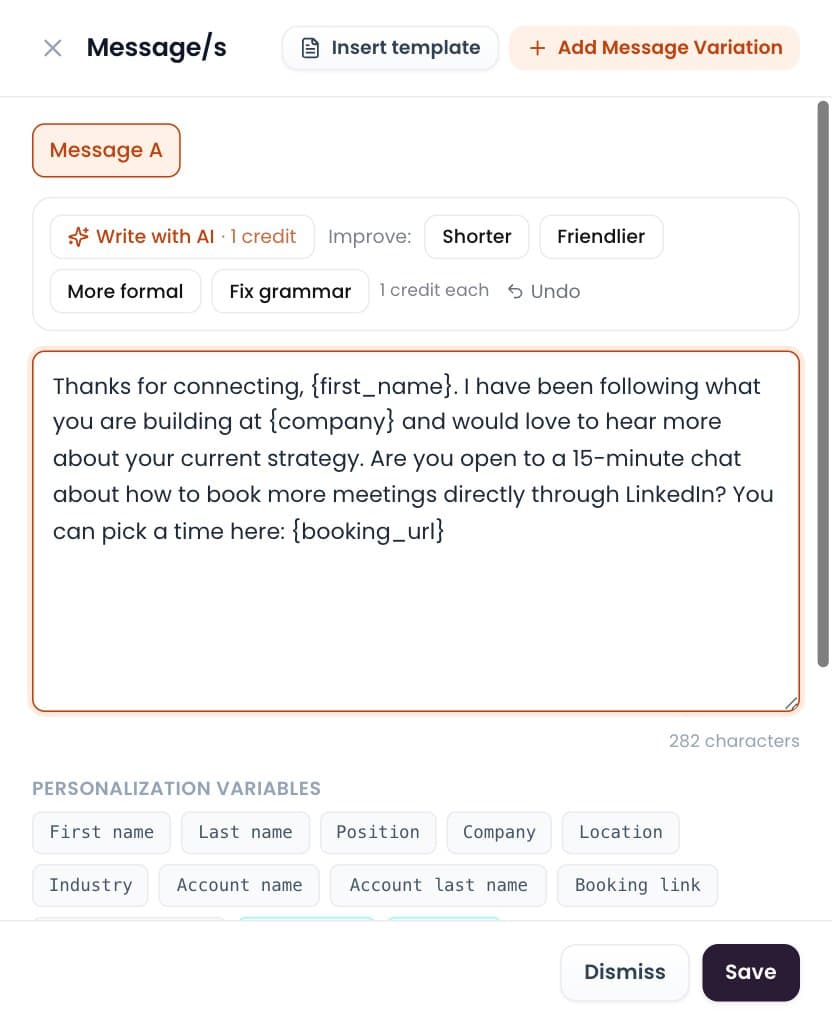
Write with AI
Draft or polish any message in one click. You send it.
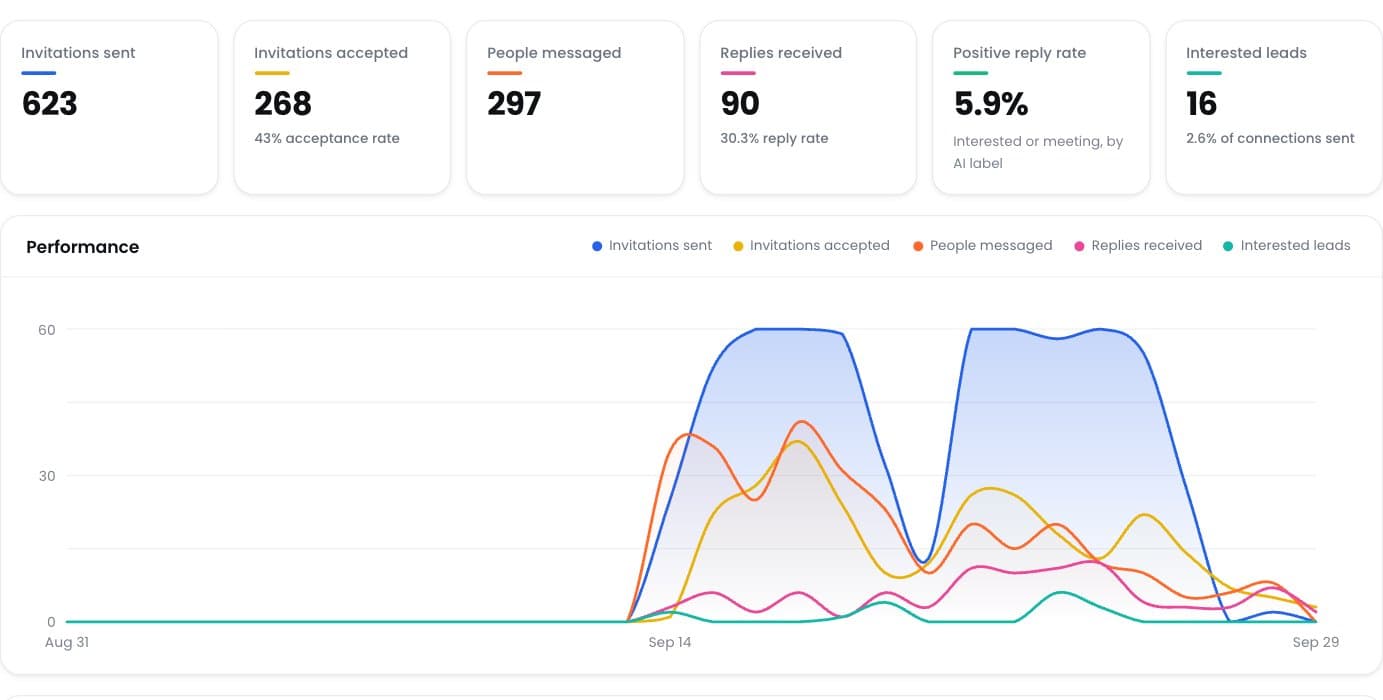
Positive reply rate
See which campaigns really start conversations.
Ready to Stop Adding Another Monthly Software Bill?
Run your LinkedIn outreach through ReachEase: AI builds your campaigns and sorts every reply, with lifetime software access and a LinkedIn sender model designed to scale with your operation.