LinkedIn Automation: How It Works, and Where It Stops.
LinkedIn automation means software performing outreach actions on your behalf — sending invitations, following up, viewing profiles — on a schedule you define. It works, within limits that LinkedIn sets and no tool can move. This page explains those limits honestly, including where automation is the wrong answer.
What can be automated on LinkedIn
Automation is well suited to the repetitive, scheduled parts of outreach: building an audience from a search, sending invitations at a steady pace, waiting the right number of days, and sending a follow-up when someone accepts. These are rule-based steps with clear conditions.
- Importing an audience from Sales Navigator, search, groups, events or post engagement
- Sending connection requests on a paced schedule inside working hours
- Timed follow-up messages that branch on accepted, replied or ignored
- Profile views and reply collection across many accounts
What should not be automated
The reply is where automation should stop. A first message can be templated and still be good; an answer to a specific question cannot. Automating replies is also the fastest route to the kind of complaint that gets an account restricted — and the conversation is the part that produces revenue, so it is a strange place to save effort.
The limits, stated plainly
LinkedIn allows roughly 100 connection invitations per account per week on every plan, which is about 15 to 20 per day. Free accounts also hit a commercial-use limit on search after heavy use. Messages to non-connections require InMail credits, which are separate and far scarcer than invitations. These are the ceilings; software that claims to exceed them is either mislabelling activity or gambling with the account.
What actually gets accounts restricted
Restrictions follow patterns, not the mere presence of a tool. The reliable triggers are sending far above the weekly allowance, sending in bursts rather than spread across a day, running activity at hours the account never otherwise uses, and a high rate of invitations being ignored or marked as unwanted. Pacing, working hours and a warm-up ramp for new accounts address all four.
Read it, try it, or price it.
What actually gets LinkedIn accounts restricted
The four reliable triggers, and the five safeguards that prevent them.
Read itRun it on one account first
One LinkedIn sender, the whole product, one payment. It does not renew and you will not be charged again.
Start for $9See what it costs at 1, 3, 5 and 10 senders
Side-by-side monthly cost against the tools you are probably also looking at, with year-one totals.
Open the comparisonStraight Answers.
Is LinkedIn automation safe?
It depends on the sending rate, not on automation itself. Accounts are restricted for exceeding LinkedIn's limits or sending in obvious bursts. Per-account daily caps, randomised gaps between actions, working-hours enforcement and a warm-up ramp for new accounts keep activity inside normal usage patterns.
Can LinkedIn detect automation?
LinkedIn detects abnormal patterns rather than the software itself: volume above the allowance, mechanical timing, activity outside the account's usual hours. An account sending 15 invitations a day at irregular intervals during working hours looks like a person using LinkedIn.
Does LinkedIn automation still work in 2026?
Yes, within the limits above. What has changed is that volume plays are dead — the weekly cap makes targeting and message quality the only remaining levers, and running several well-paced accounts beats pushing one account hard.
AI built in
AI does the slow parts. You take the meetings.
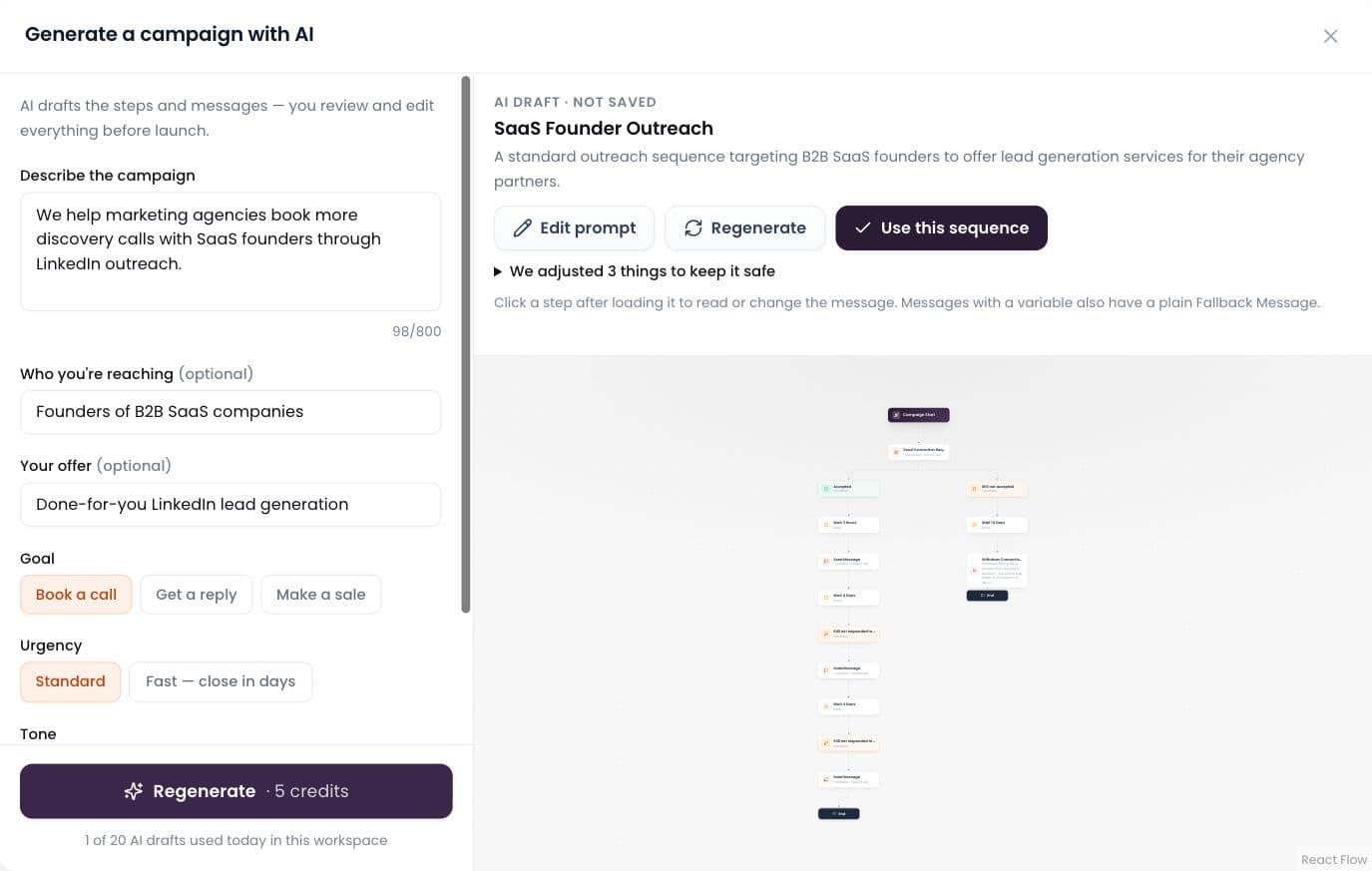
AI builds the campaign
Describe it in plain words; AI drafts the whole sequence.
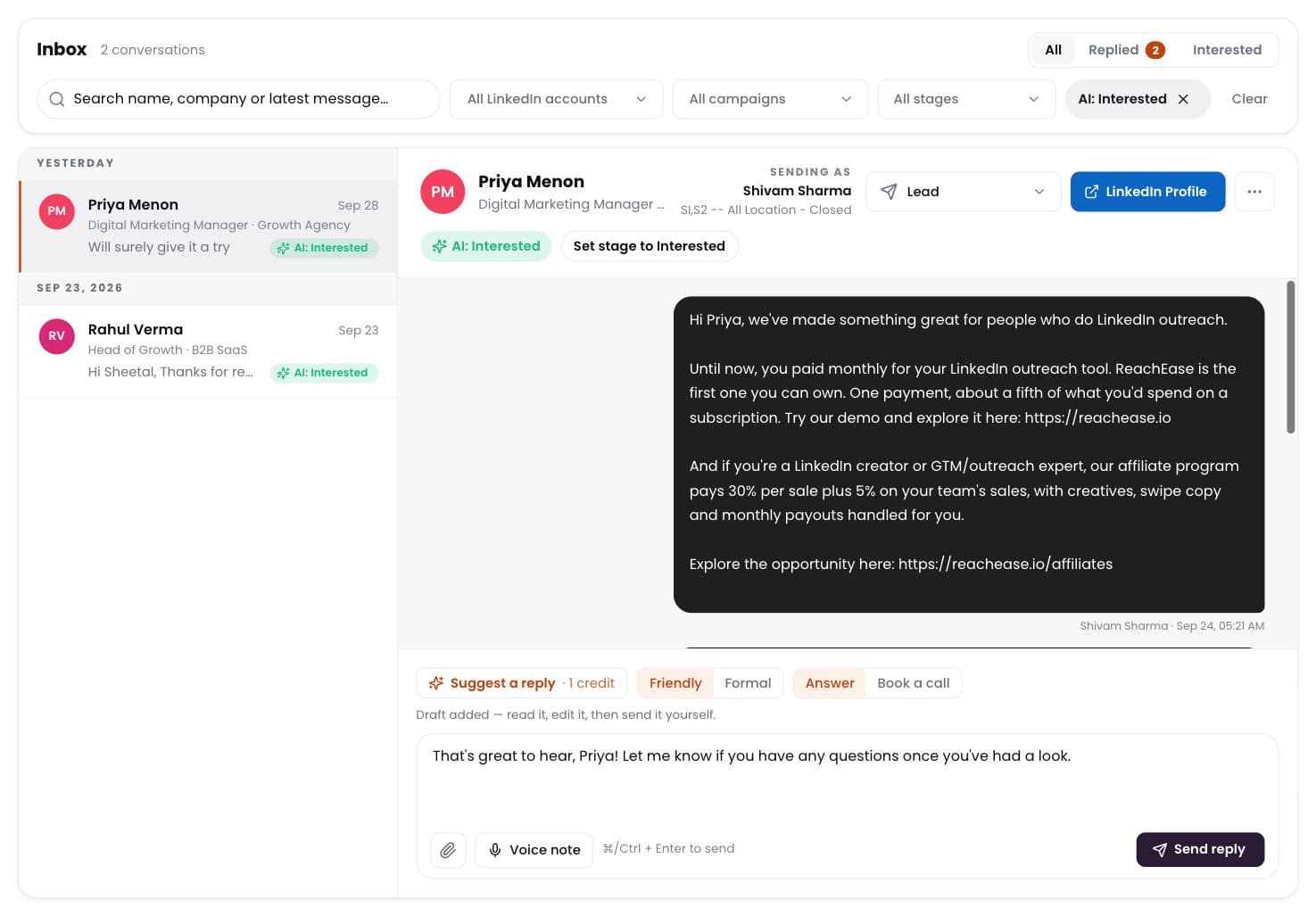
AI labels every reply
Interested, meeting, question, not interested — sorted for you.
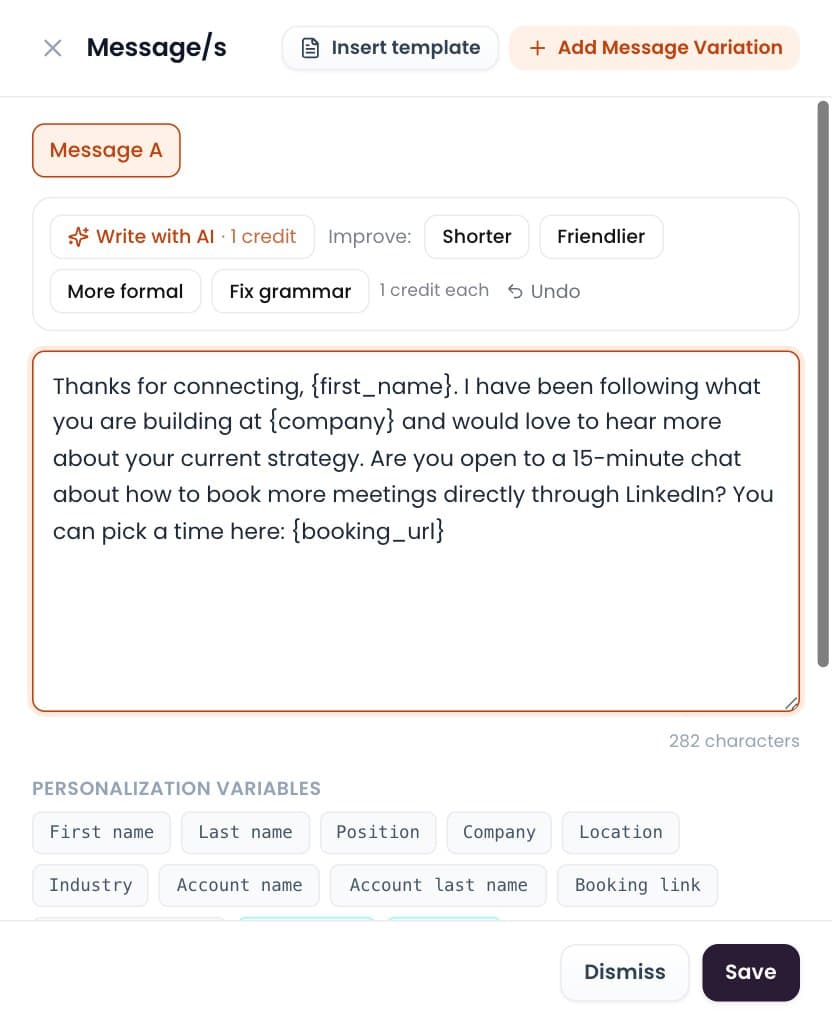
Write with AI
Draft or polish any message in one click. You send it.
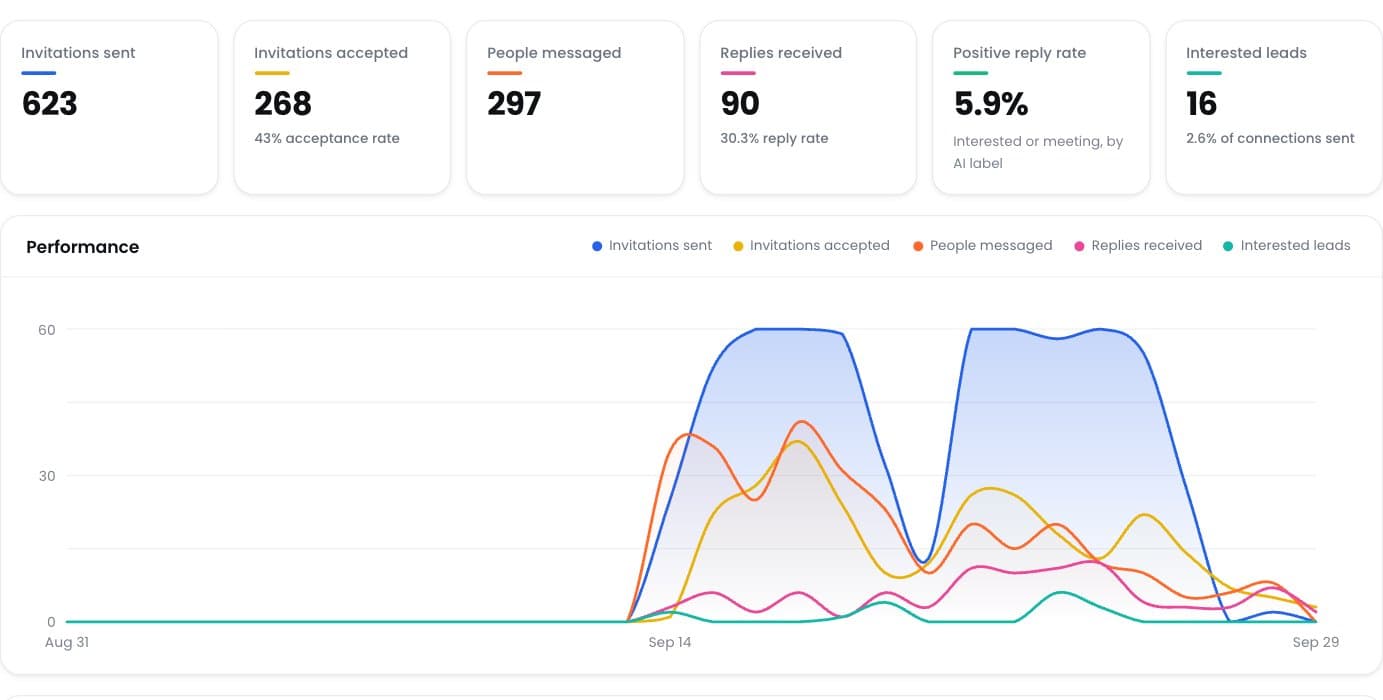
Positive reply rate
See which campaigns really start conversations.
Ready to Stop Adding Another Monthly Software Bill?
Run your LinkedIn outreach through ReachEase: AI builds your campaigns and sorts every reply, with lifetime software access and a LinkedIn sender model designed to scale with your operation.