LinkedIn Outreach Automation, End to End.
Outreach automation is not one feature, it is a chain: build an audience, route each person to the right first touch, pace the sending across several accounts, follow up on a schedule, and land every reply in one place. A break anywhere in that chain wastes the rest.
The five links in the chain
An outreach programme automates cleanly when each stage hands off to the next without a person copying data between tools. Most stacks break at stage three, where sending is paced by hand or split unevenly across accounts.
- Audience — imported from Sales Navigator, search, a group, an event or post engagement, deduplicated against everyone you have already contacted
- Routing — an open profile can be messaged directly; a closed profile needs an invitation first
- Sending — spread across every connected account, inside each account's daily allowance
- Follow-up — timed steps that branch on accepted, replied or ignored
- Replies — collected from every account into one inbox with the interested ones flagged
Why sender rotation is the part that matters
With about 100 invitations per account per week, a single account caps out at roughly 400 people a month regardless of how good the software is. Reaching 2,000 people means five accounts sending in parallel, each inside its own limit, balanced automatically so none of them runs hot while others idle. Rotation is the only mechanism that turns a hard per-account ceiling into programme-level volume.
Automating the follow-up without automating the conversation
Sequences should carry the scheduled, rule-based steps — wait three days, then send if accepted; skip if they replied. The moment a real reply arrives, automation should hand over to a person. ReachEase stops sequences on reply by default for this reason, and surfaces the conversation in the shared Unibox rather than continuing to send.
What the automation must never skip
Three safeguards separate a durable programme from a burned set of accounts: never contact someone twice across different campaigns, never exceed a per-account daily cap, and never send outside the hours that account normally operates. All three are enforcement problems, not settings a person can be relied on to police manually.
Read it, try it, or price it.
How to structure a LinkedIn outreach sequence
Where to put the waits, and what to branch on after an accept.
Read itRun it on one account first
One LinkedIn sender, the whole product, one payment. It does not renew and you will not be charged again.
Start for $9See what it costs at 1, 3, 5 and 10 senders
Side-by-side monthly cost against the tools you are probably also looking at, with year-one totals.
Open the comparisonStraight Answers.
What is LinkedIn outreach automation?
It is software that runs a LinkedIn outbound programme end to end: importing an audience, sending connection requests and follow-ups on a schedule across multiple sender accounts, and collecting the replies in one inbox. It automates the scheduled steps, not the conversation.
How many people can an automated LinkedIn outreach programme reach per month?
Roughly 400 per sender account, because LinkedIn allows about 100 invitations per account per week. Five accounts reach around 2,000 a month. Open profiles can be messaged without an invitation, which raises the number further.
Do I need Sales Navigator for LinkedIn outreach automation?
No. Sales Navigator gives better filters and a larger per-search cap, but a normal LinkedIn search, a group, an event or the engagement on a post all work as audience sources.
AI built in
AI does the slow parts. You take the meetings.
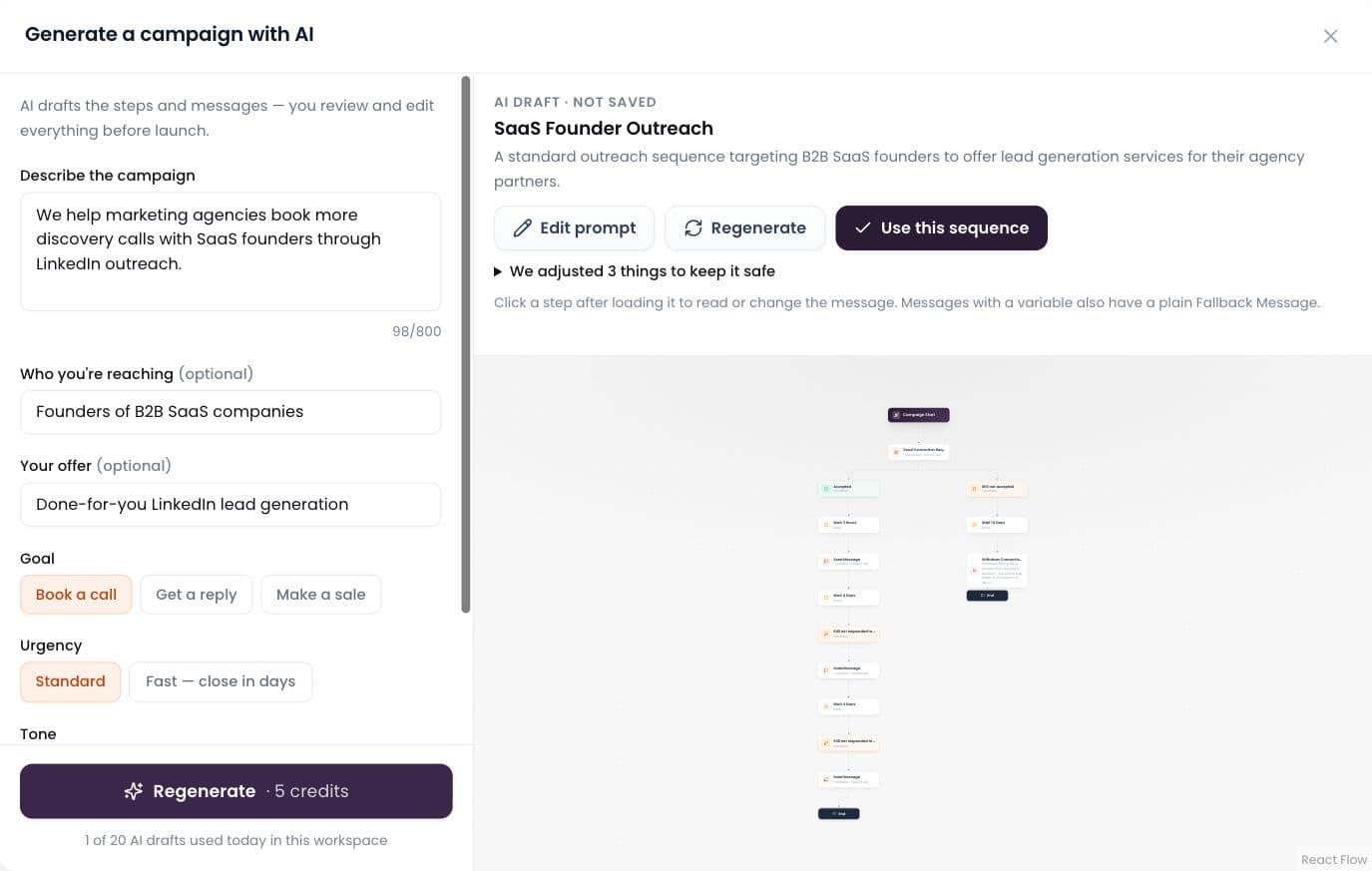
AI builds the campaign
Describe it in plain words; AI drafts the whole sequence.
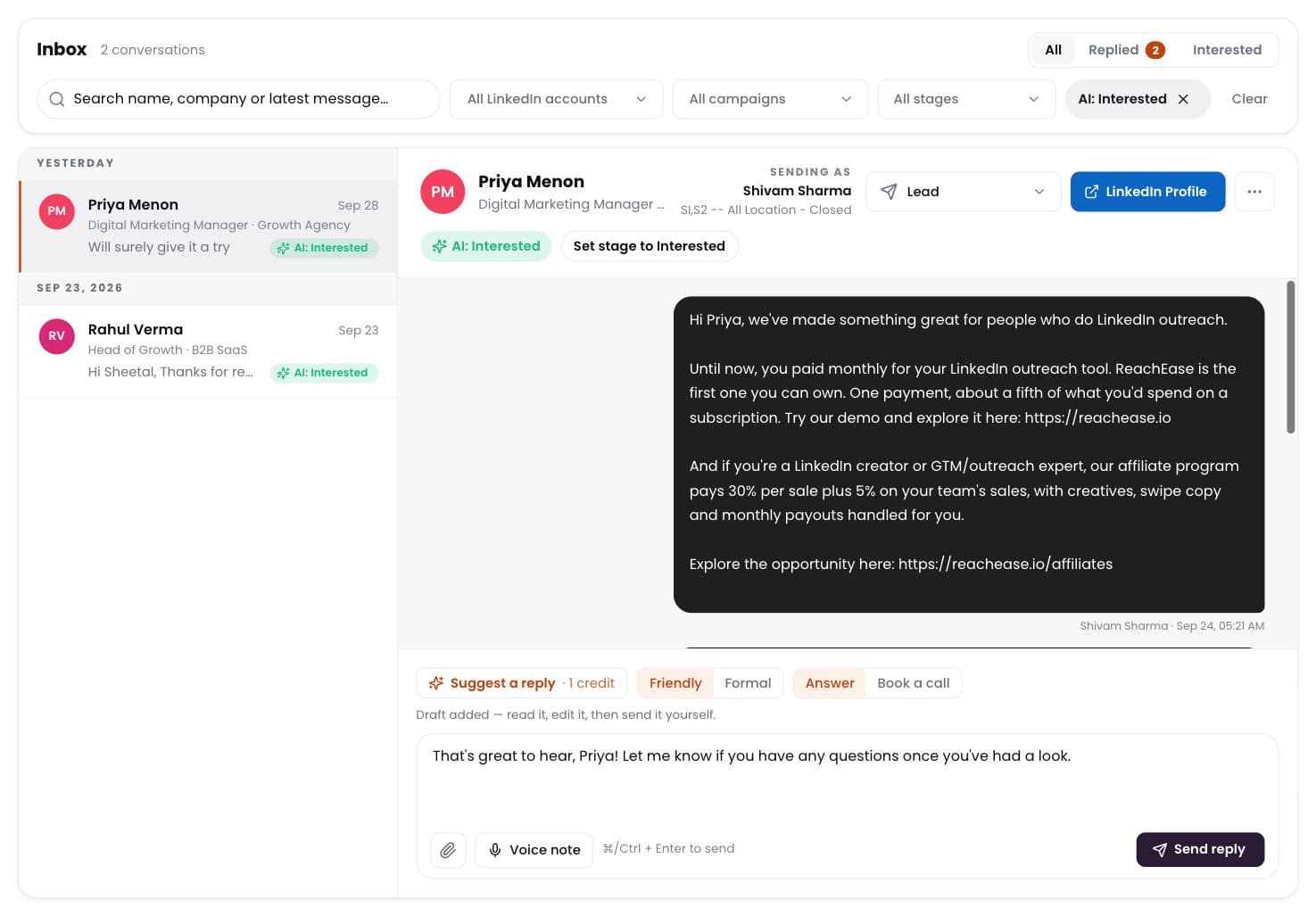
AI labels every reply
Interested, meeting, question, not interested — sorted for you.
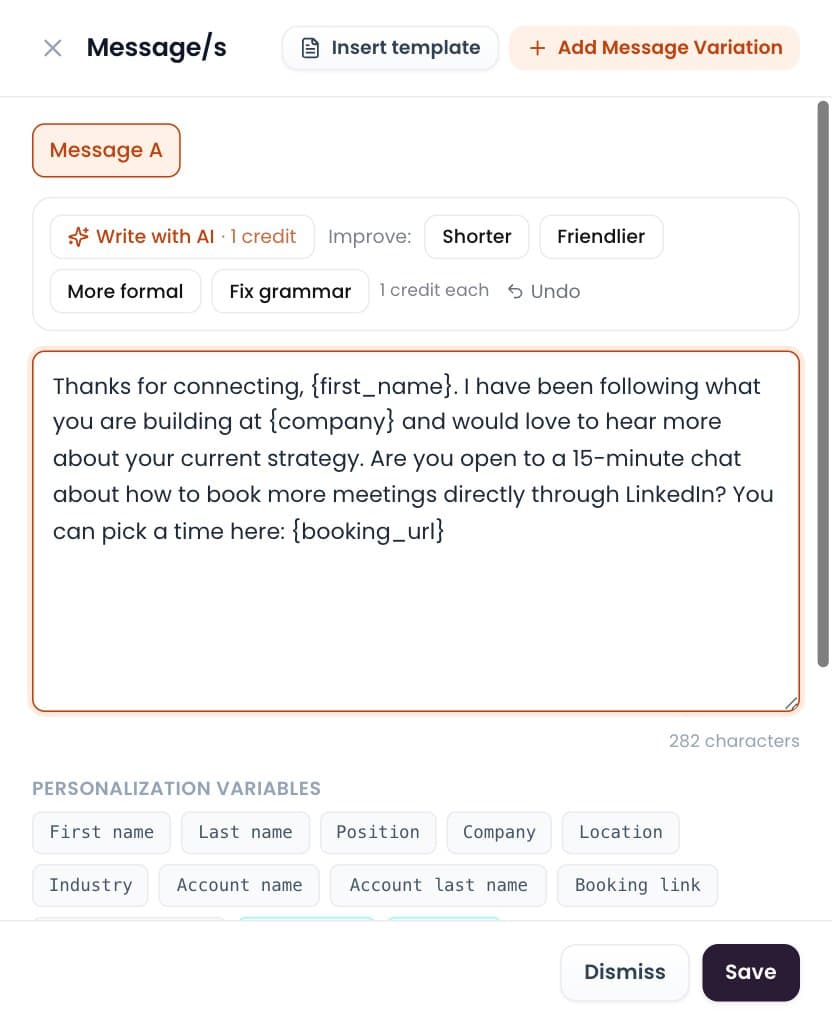
Write with AI
Draft or polish any message in one click. You send it.
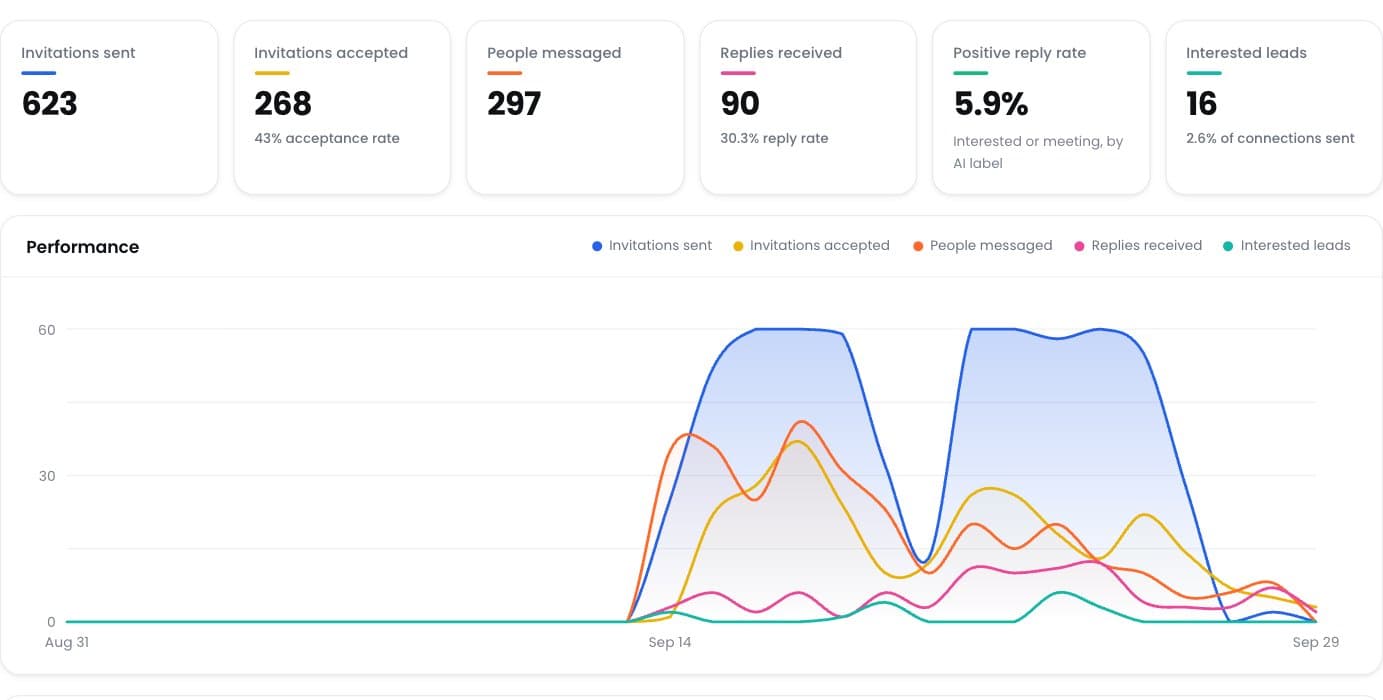
Positive reply rate
See which campaigns really start conversations.
Ready to Stop Adding Another Monthly Software Bill?
Run your LinkedIn outreach through ReachEase: AI builds your campaigns and sorts every reply, with lifetime software access and a LinkedIn sender model designed to scale with your operation.