One: Does It Run in the Cloud or in your Browser?
Browser extensions execute inside your browser session, so outreach stops when your machine does. Cloud tools run server-side and continue overnight and at weekends. For a single operator testing the channel this may not matter; for a team with sequence steps due at fixed times it decides everything else.
Two: What Happens to the Price at your Target Account Count?
Because LinkedIn caps invitations per account, volume comes from more accounts. Model the cost at the number of senders you expect to run in twelve months, not the number you have today. Per-seat pricing multiplies by account count; a one-time licence does not.
Three: Are Limits Enforced, or Merely Configurable?
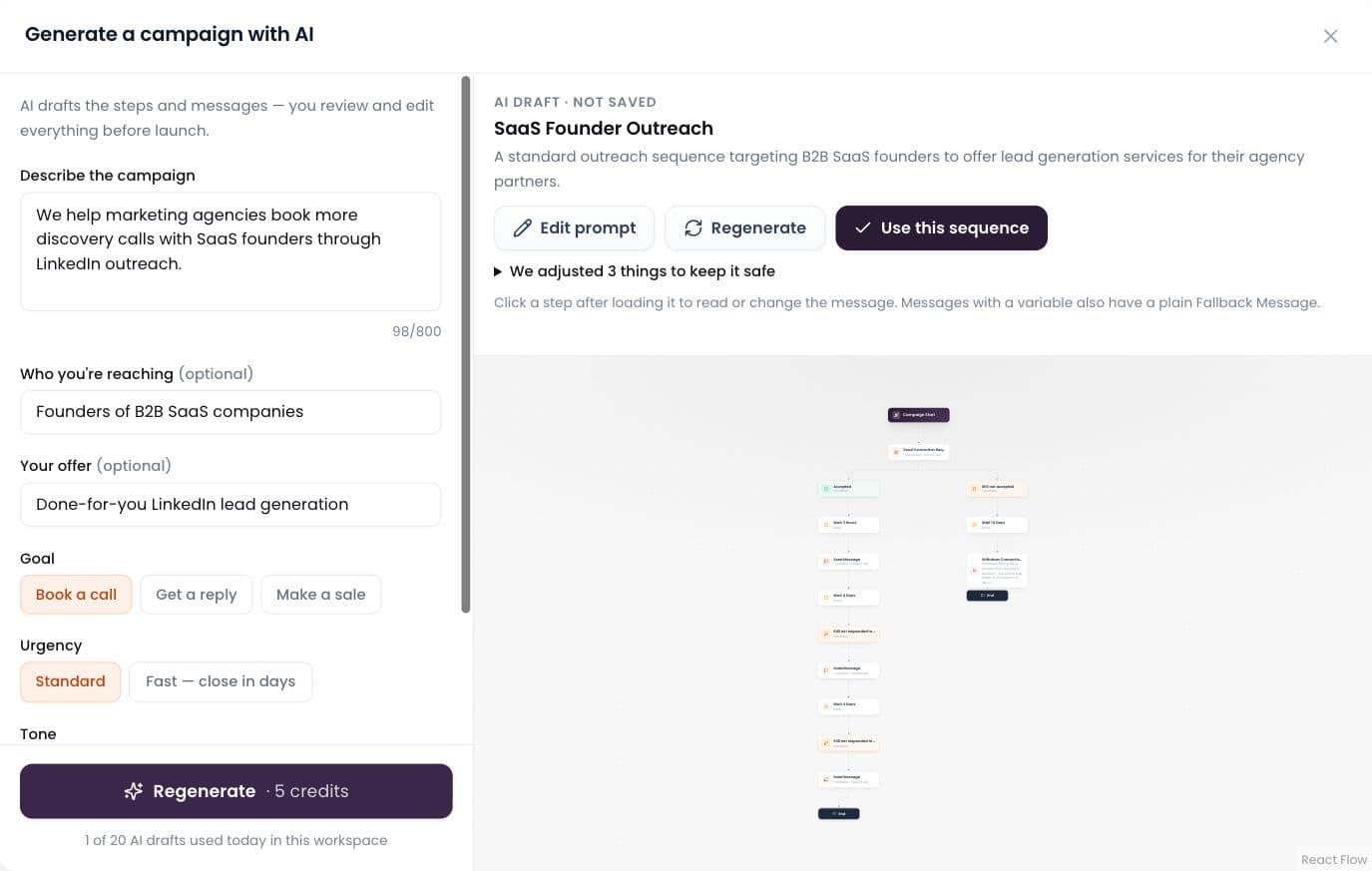
There is a large difference between a tool that lets you set a daily cap and one that enforces a cap, a total daily ceiling, randomised gaps, working hours and a warm-up ramp. The first makes account safety a matter of your discipline; the second makes it a property of the software.
Four: One Inbox, or One Per Account?
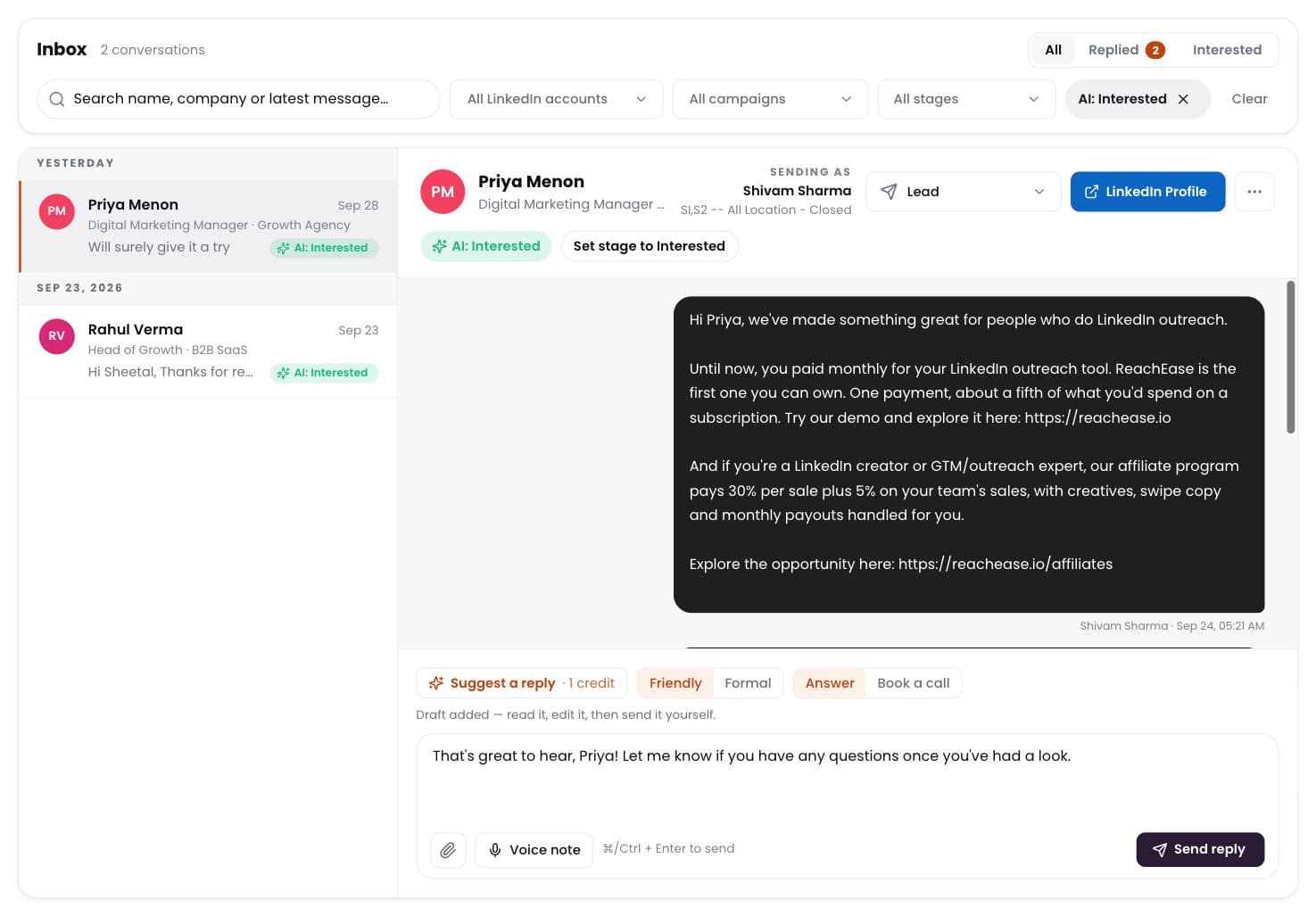
With several senders, replies arrive in several places. Ask specifically whether replies from every account land in one view with interested leads flagged, or whether someone has to check each account. This is the difference between a programme and a set of parallel experiments.
Five: Does It Deduplicate Across Everything?
Not just within the list you are importing, but against every campaign you have ever run and every sender you operate. Without it the same prospect gets contacted twice by two of your accounts, which is the fastest way to look like spam to the one person you most wanted to reach.
Six: What Does It Show You While It Is Working?
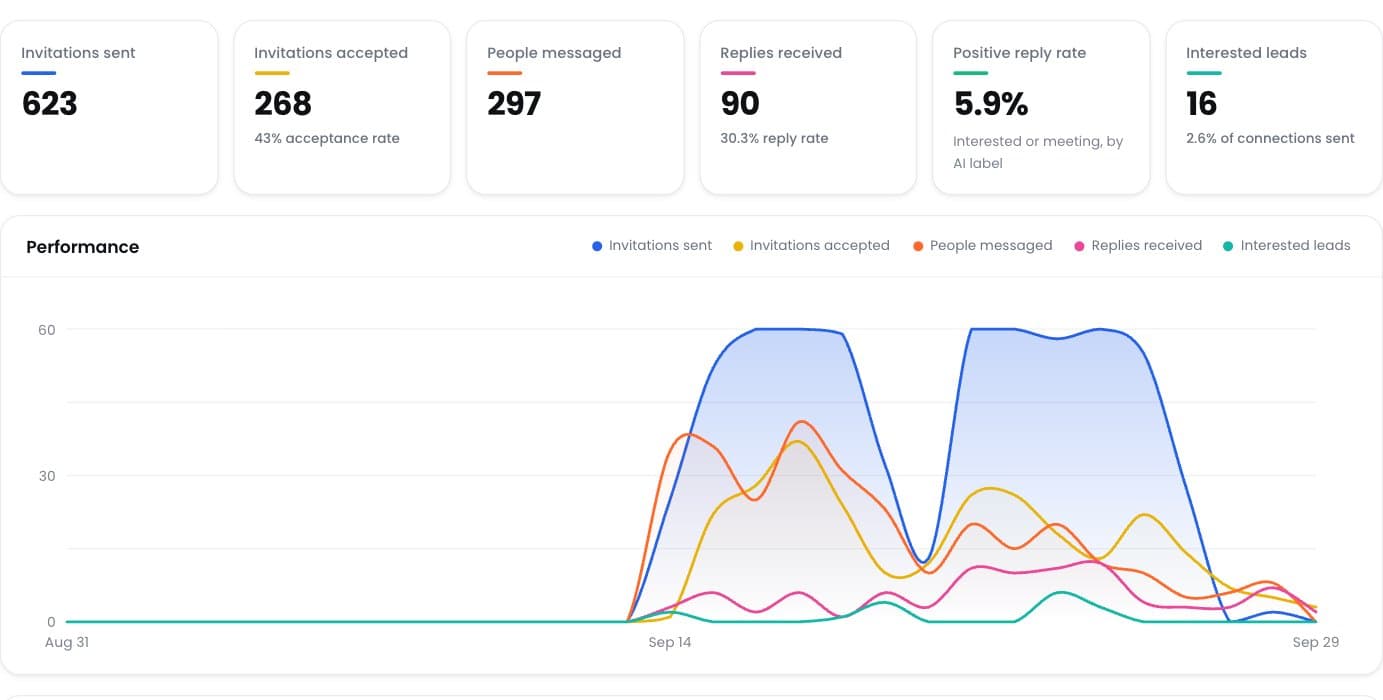
Ask to see the screen that reports what each account has sent today against its limit, what is queued, what is paused and why. A tool that reports one aggregate number is hiding the information you need to run the programme.