How to import leads from Sales Navigator into ReachEase.
A real run, start to finish: pick the audience, build the search in Sales Navigator, stay under the 2,500-result limit, paste the link into ReachEase and import.
Every screen is the live product — real LinkedIn, real ReachEase, no mock-ups. Nothing was sent to anyone during the recording.
Six steps, in the order you will do them.
- 1
Connect the account that has Sales Navigator
LinkedIn Accounts → Add LinkedIn account. ReachEase picks up the Sales Navigator subscription on its own. If the account isn't connected, the import won't start.
- 2
Pick the audience before you touch a filter
Decide who you want: the industry, the country, the company size and the decision-makers. Write it down; it becomes your filters.
- 3
Open Sales Navigator from your normal LinkedIn
Top right, next to your profile, is the Sales Nav icon. Click it, then click Lead filters.
- 4
Fill the filters one by one and watch the count
Industry, geography, company headcount, current job title, exclusions — and the tick that matters: Recent updates → Posted on LinkedIn. Active people reply.
- 5
Stay under 2,500
Sales Navigator shows at most 2,500 results per search (100 pages of 25). If your audience is bigger, split it by city, headcount band or title.
- 6
Paste the link into ReachEase
Lead Lists → Sales Navigator → paste. ReachEase previews how many people match, you name the list and set today's number, and it imports page by page with a live counter and a duplicate check.
AI built in
AI does the slow parts. You take the meetings.
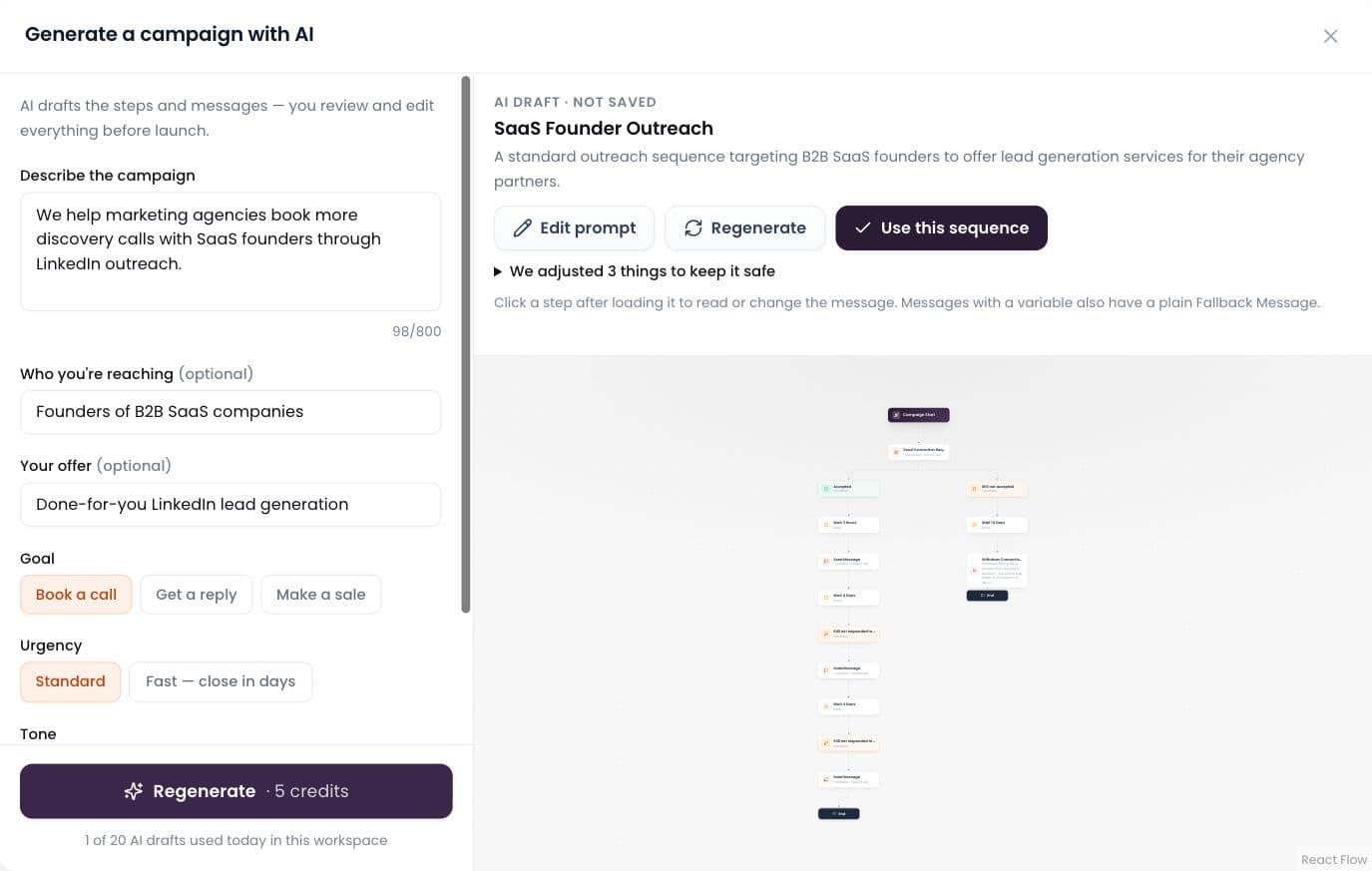
AI builds the campaign
Describe it in plain words; AI drafts the whole sequence.
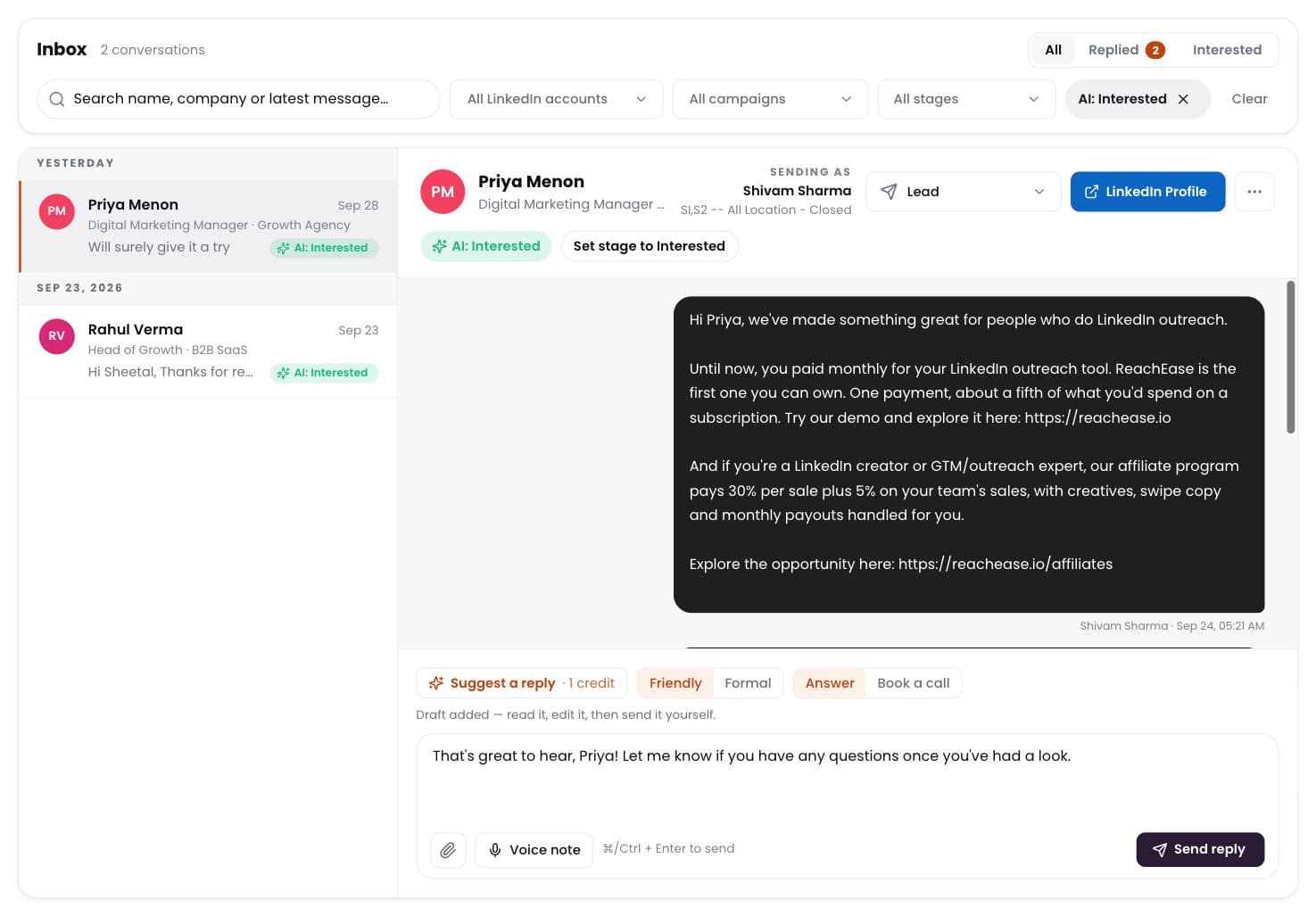
AI labels every reply
Interested, meeting, question, not interested — sorted for you.
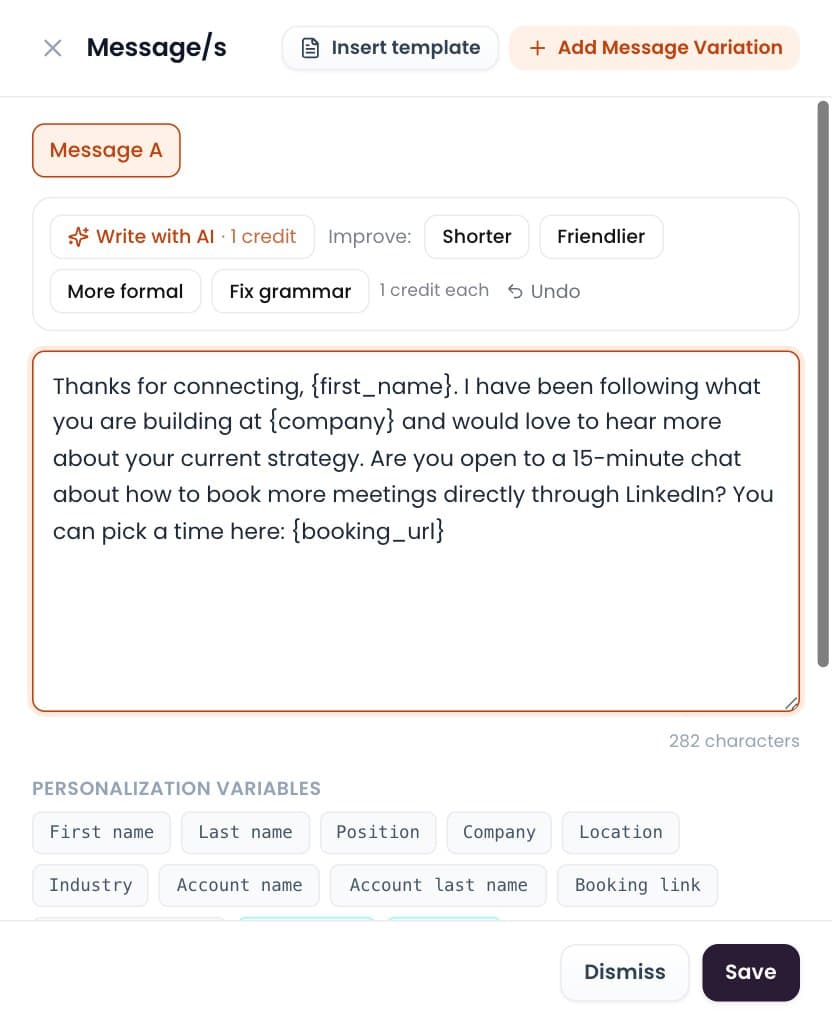
Write with AI
Draft or polish any message in one click. You send it.
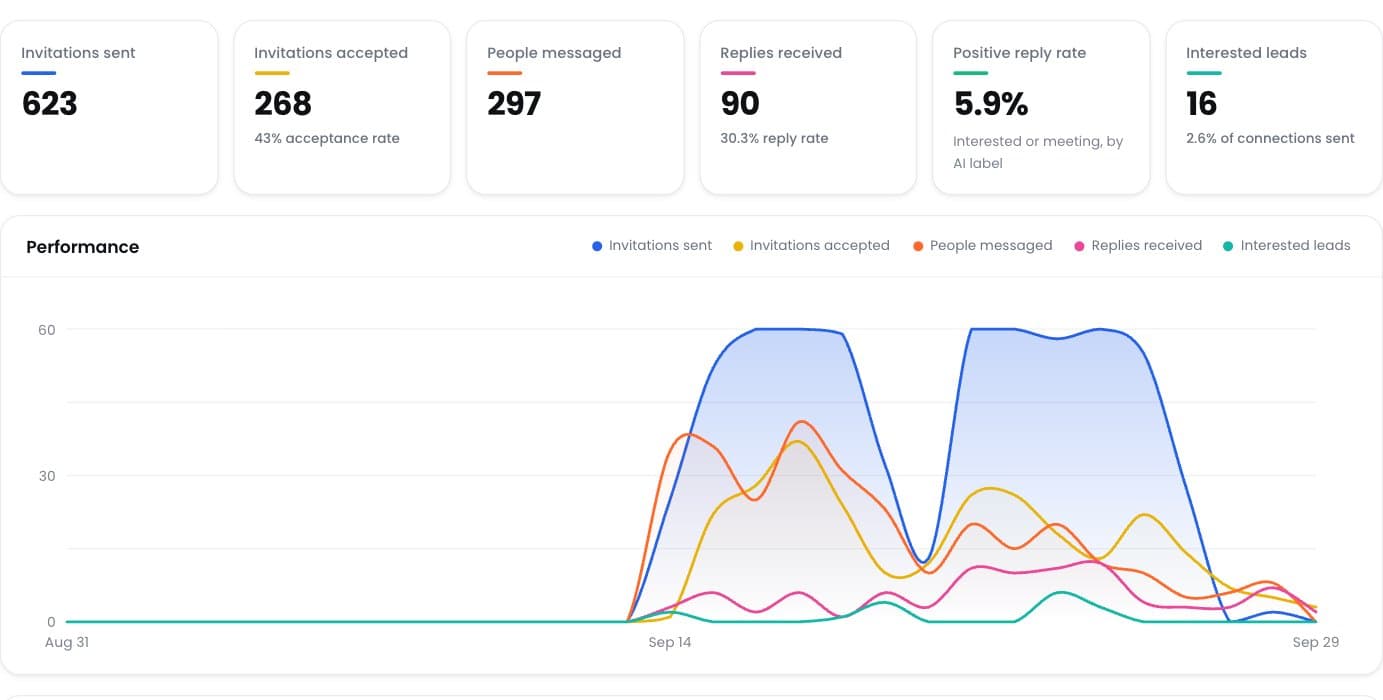
Positive reply rate
See which campaigns really start conversations.
Ready to Let AI Run Your LinkedIn Outreach?
Tell ReachEase who you want to reach: AI helps find the leads, drafts the sequence and labels every reply, across as many LinkedIn senders as your plan includes.