What Do I Actually Write in a LinkedIn Connection Request Message?
Learn what to write in the first step of a linkedin sequence: a three-part formula and five short connection request examples for common situations.
ReachEase team6 min read
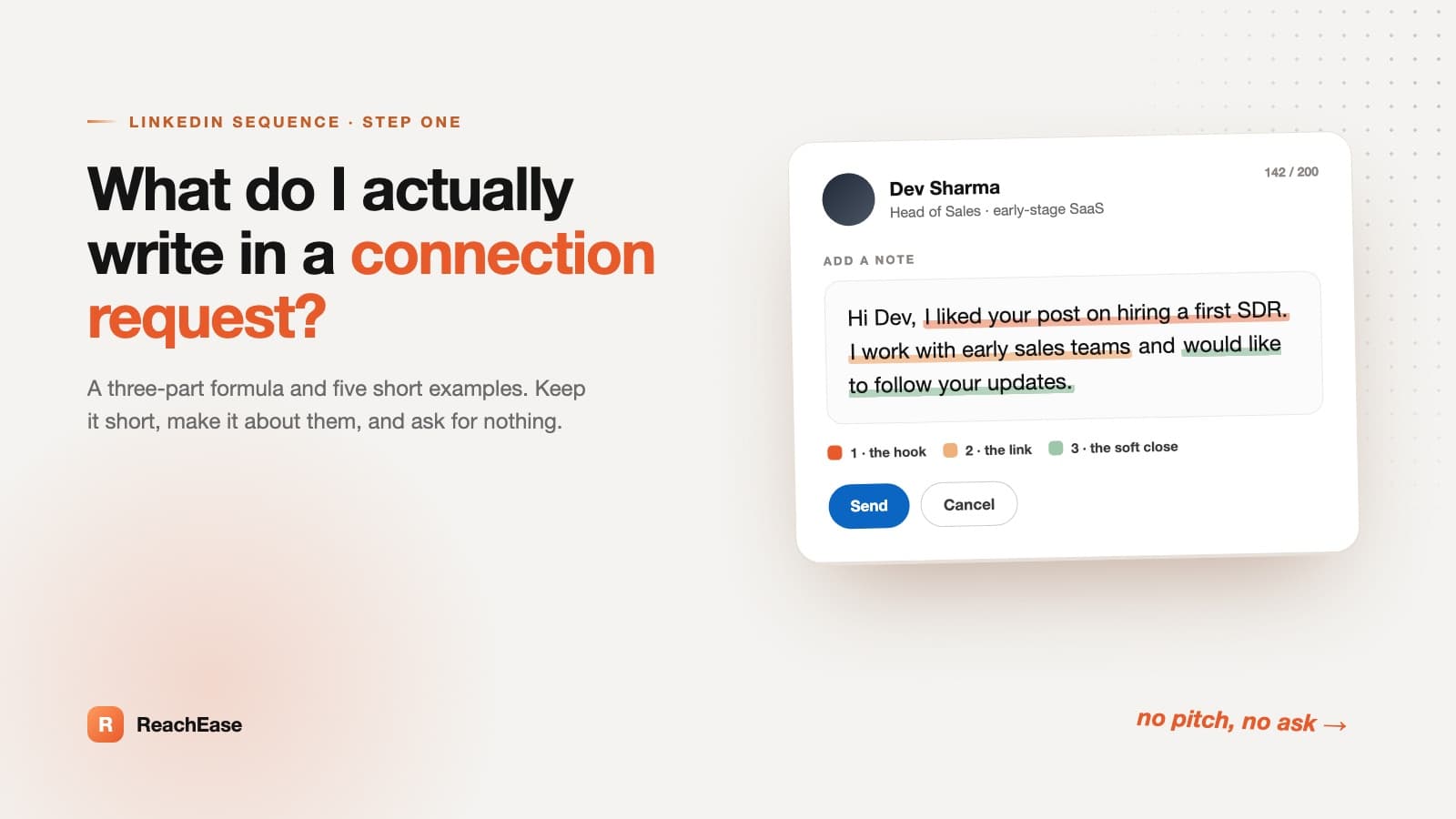
Keep it short and about them. That is the whole secret behind a good linkedin connection request message, and it is the first step of any linkedin sequence. Most people write a long intro about themselves, then wonder why nobody accepts. The person reading it has a few seconds and one question in mind: why is this stranger contacting me?
This guide gives you a simple three-part formula, five ready examples for common situations, and the habits that quietly cost you acceptances. Every example is short enough to send as soon as you fill in the brackets.
What Should a Connection Request Say?
A good linkedin connection request message gives one real reason for reaching out, says it in one or two sentences, and asks for nothing. Mention something specific about the person, such as their role, a post, or a shared group. Skip the pitch. The only goal is to get accepted.
The pitch comes later, in the next steps of your linkedin sequence, after you are connected.
The Three-Part Formula
Most good notes follow the same shape. You can write one in under a minute.
| Part | What it does | Example |
|---|---|---|
| 1. The hook | Names something specific about them | “I saw your post on hiring a first SDR.” |
| 2. The link | Says why you are connecting | “I work with early sales teams.” |
| 3. The soft close | Ends lightly, with no ask | “Would like to follow your updates.” |
If you can only keep one part, keep the hook. A note with no hook reads like it was sent to everyone. Treat the note as step one of your linkedin sequence, because a strong first step makes every later message easier.
Five Common Situations, Five Examples
These linkedin connection request examples cover most of what you will face. Swap the brackets for real details, and change the hook every time. The structure stays the same. The words do not. That also makes each note easy to reuse as the first step of a linkedin sequence.
| Situation | The hook to use | Example note |
|---|---|---|
| 1. A cold prospect | Something recent about their company or role | “Hi [Name], I noticed [Company] just opened a sales role in [city]. I follow teams growing their outbound, so I’d like to connect.” |
| 2. A shared connection | The person you both know | “Hi [Name], [Mutual name] mentioned your work on [topic]. I’d like to connect and learn from how you handle it.” |
| 3. A recent event | Something they said or did there | “Hi [Name], I liked your question in the [event] session on [topic]. Good to meet you here. Let’s stay in touch.” |
| 4. Their post | One specific point from it | “Hi [Name], your post on [topic] made me rethink [point]. I’d like to follow more of your thinking.” |
| 5. A shared group or community | The group name and a useful thing they shared | “Hi [Name], we’re both in the [group] community. Your answer on [topic] was useful. Glad to connect here.” |
Notice what is missing from all five. None of them mentions a product, a service, a call or a meeting. They give a reason, and they stop.
Should You Add a Note or Send It Blank?
Both work. The right choice depends on how well the person already knows you.
| Option | Works best when | Watch out for |
|---|---|---|
| Blank request | They already know your name, or you met recently | Strangers may not see why you are reaching out |
| Request with a note | They are cold or only loosely connected to you | A long or pushy note lowers your chances |
LinkedIn limits how long a connection request note can be, and that limit has changed over time. Check the box on your screen and keep your note well under it. Shorter is almost always better anyway.
Weak Note vs Better Note
Here is one note, before and after. Same sender, same goal.
| Version | Note | Why |
|---|---|---|
| Weak | “Hi, I help companies grow their revenue. Would love a quick call this week.” | All about the sender. Asks for time from a stranger. |
| Better | “Hi Dev, I liked your post on hiring a first SDR. I work with early sales teams and would like to follow your updates.” | Starts with them. Gives a reason. Asks for nothing. |
The better version is not clever. It is just specific.
What to Avoid in a Connection Request
Most weak notes break one of these rules.
- Pitching in the note. Save it for after they accept.
- Asking for a call. It is too big an ask for a first contact.
- Empty flattery. “Impressed by your profile” says nothing real.
- One text for everyone. Keep the structure, change the hook.
- Long paragraphs. If it needs scrolling, cut it.
- Fake familiarity. Don’t pretend you know them when you don’t.
Sending too many requests too fast is a separate risk. For a closer look at the patterns that cause trouble, read this breakdown of what gets accounts restricted.
What to Expect After You Send
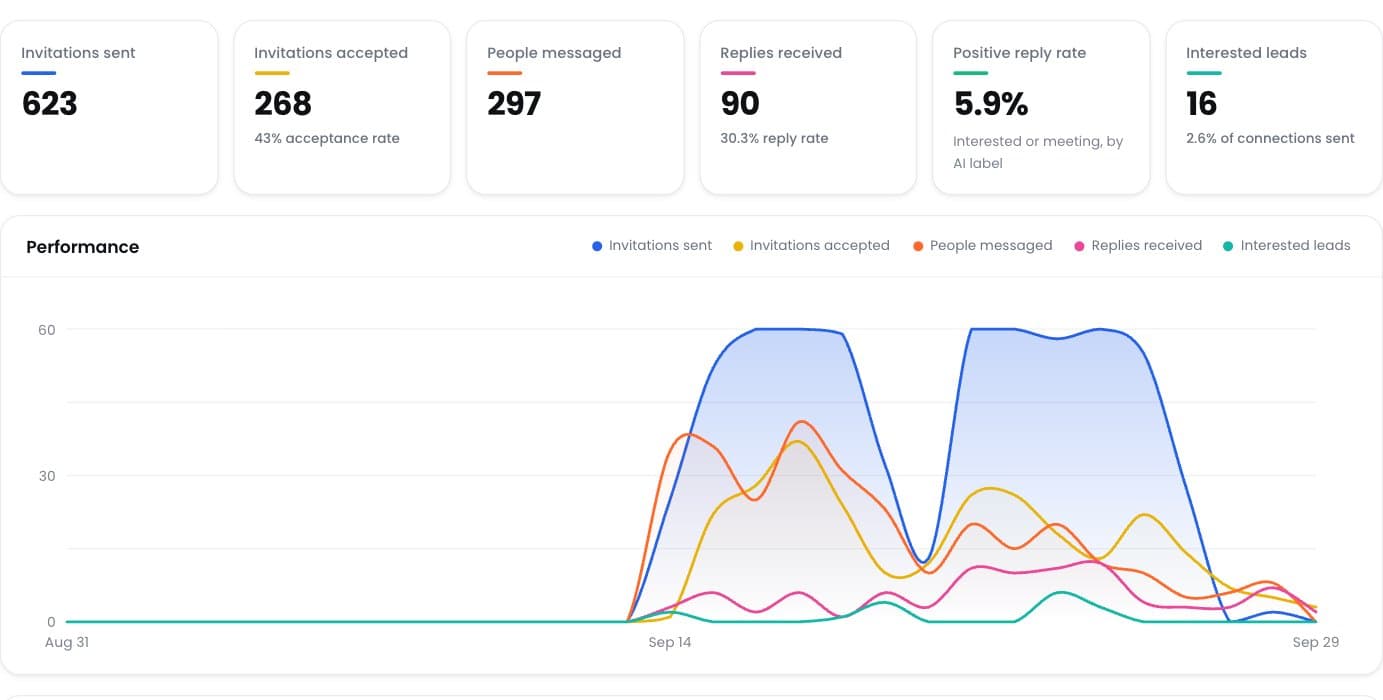
Don’t judge a note too early. In a set of live campaigns across 8 LinkedIn accounts (2,741 invitations, figures as of 13 August 2026), the average acceptance rate was 15.3%. The median time between sending an invitation and getting an acceptance was 345 hours. That is about 14 days.
So a quiet first week does not mean your note failed. Many people only check LinkedIn now and then. This is one set of campaigns, not an industry benchmark, and your results will depend on your audience and your wording.
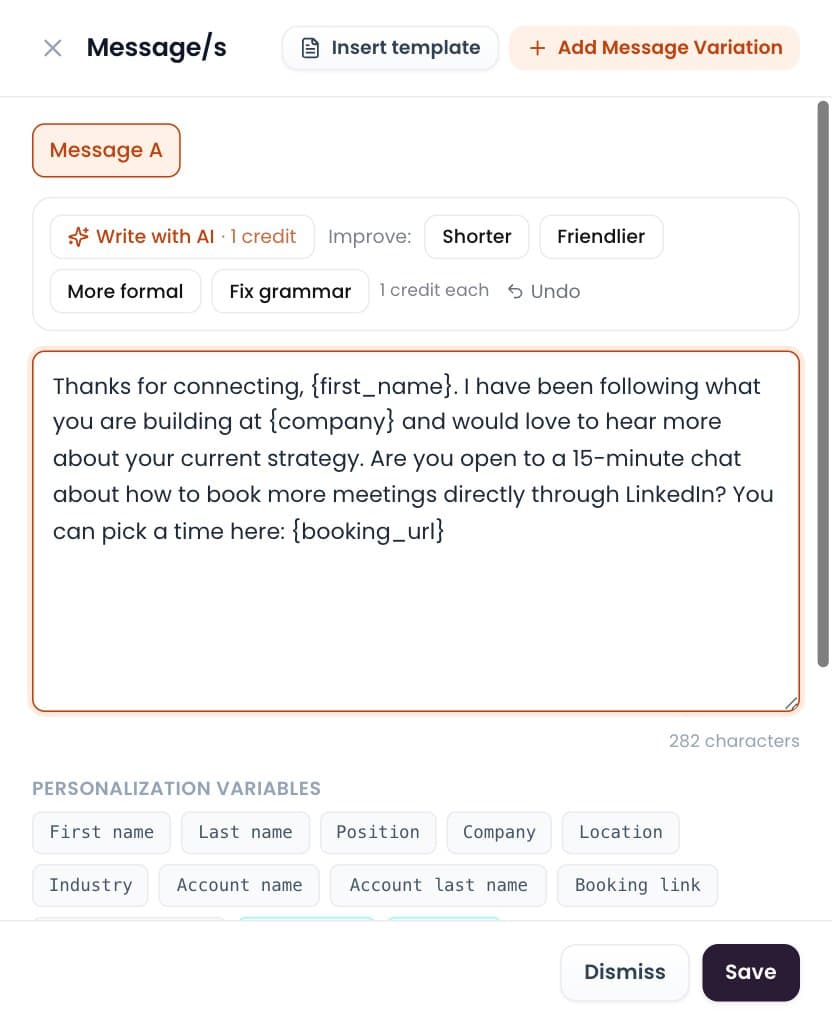
Once someone accepts, keep the first message just as light, because it is the next step in your linkedin sequence. This simple guide to waits and follow-ups helps you pace what you send next.
Frequently Asked Questions
Should I add a note to a LinkedIn connection request?
Usually yes, if the person does not know you. A short connection request note that names a real reason gives them something to say yes to. If they already know you, a blank request is fine.
How long should a connection request note be?
One or two sentences. If it takes more than a few seconds to read, it is too long. Also stay under the character limit shown on your screen.
Where can I find good LinkedIn connection request examples?
The five examples above cover the most common situations: a cold prospect, a shared connection, an event, a post, and a shared group. Copy the structure and replace the details with your own.
Can I use the same LinkedIn connection request message for everyone?
Use the same structure, not the same words. Change the hook for each person or group so every note reads as written for them.
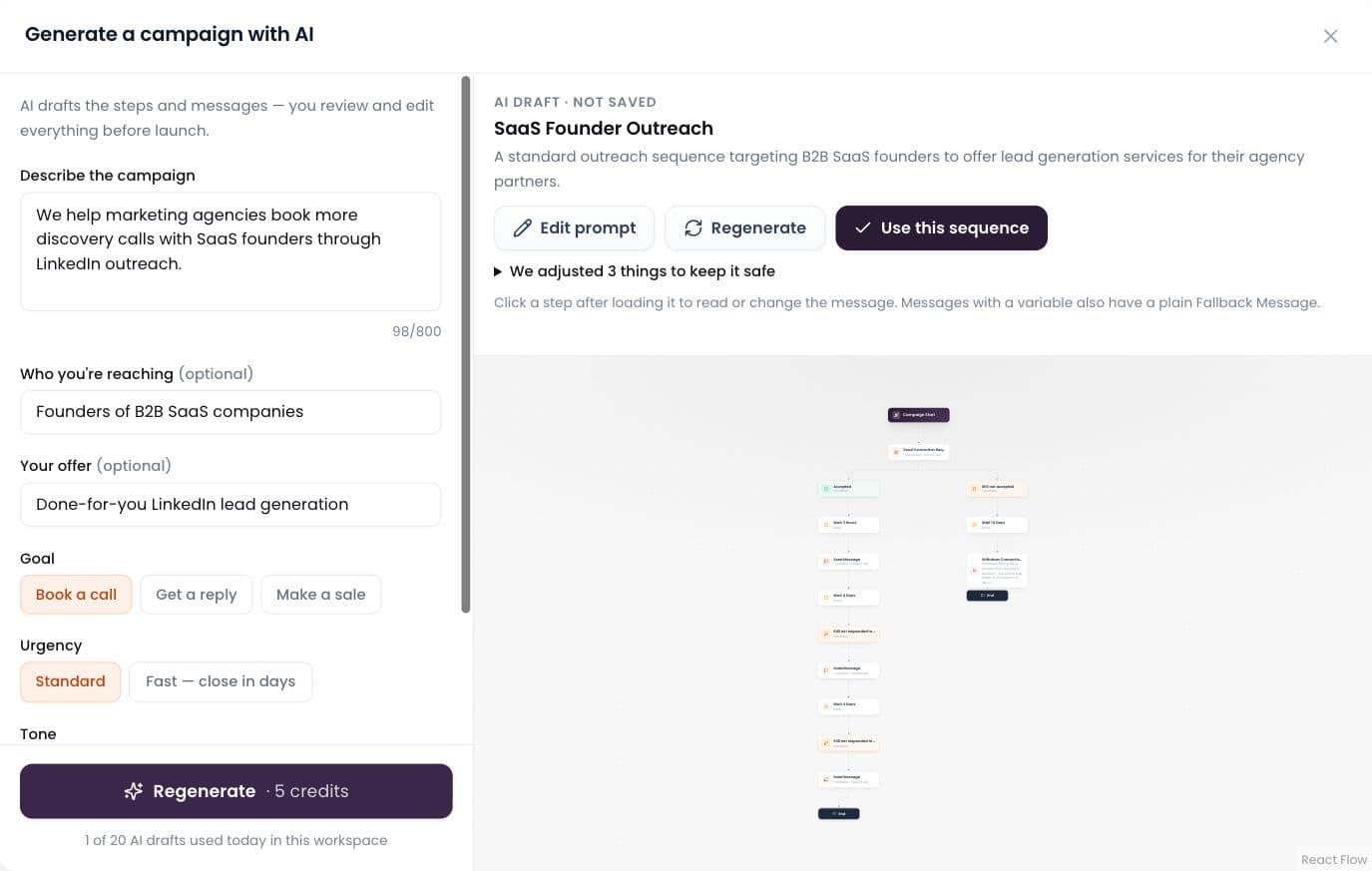
What is a linkedin sequence?
A linkedin sequence is a planned set of steps, such as a connection request, a thank-you message and a follow-up, spaced out over days. The note you write in the request is the first step, so it should set up the messages that come after it.
What should I do if they accept but don’t reply?
Give it some time and keep your first message light. Many people take days or weeks to respond, so one quiet week is not a no.
Final Thoughts
The best linkedin sequence starts with a short, specific connection request about the other person. Open with a real hook, give one reason, and leave out the pitch. A good linkedin connection request message does that, and your note stops looking like a template and starts looking like a person reaching out.
This content is independent and is not affiliated with, endorsed by, or sponsored by LinkedIn.
- linkedin sequence
- linkedin connection request message
- linkedin connection request examples
- connection request note
- linkedin outreach sequence
- linkedin cold outreach
- linkedin invitation note